Ship visitor management
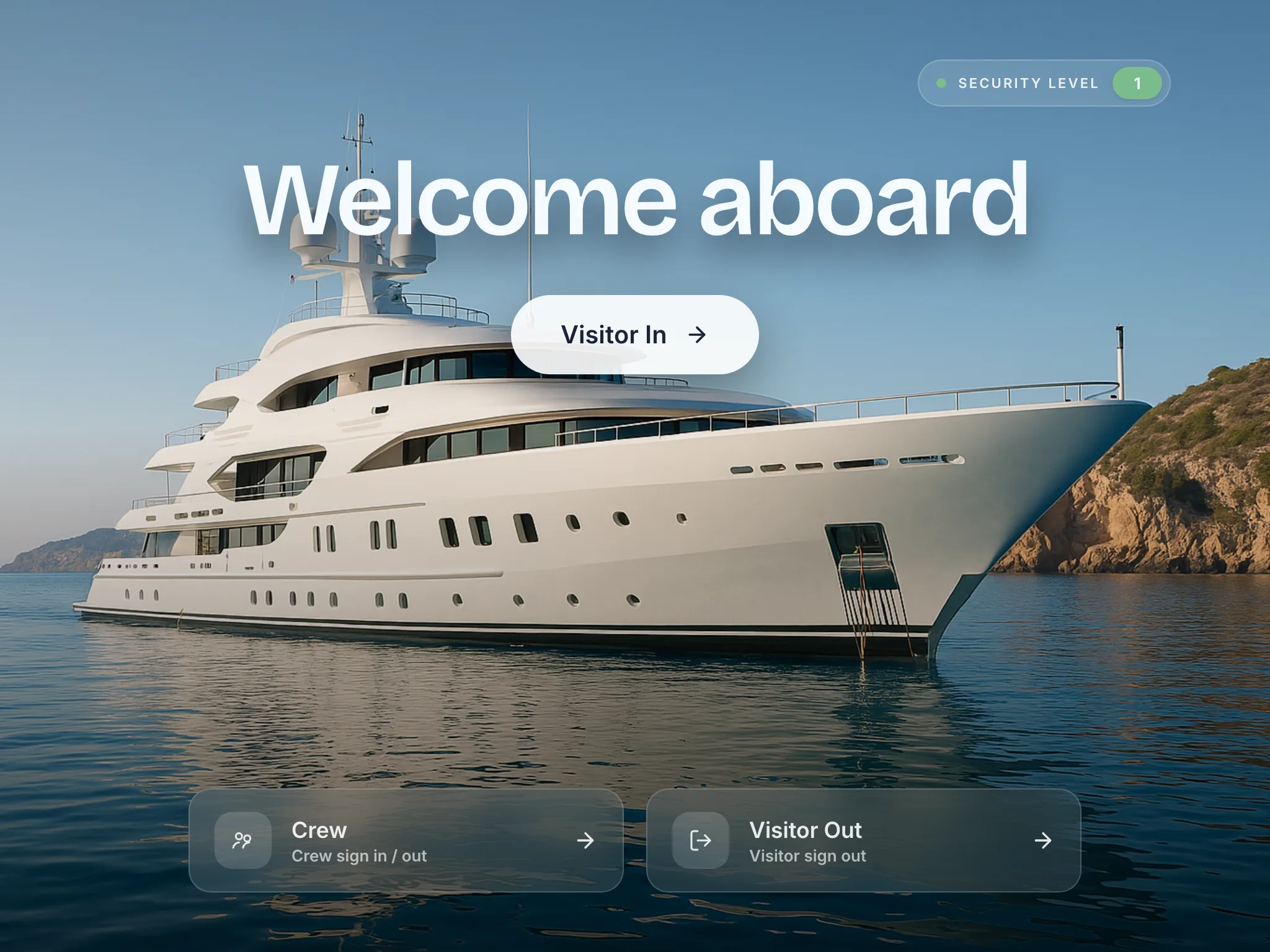
No one boards until they’re cleared.
Painters, surveyors, port officials, management. Everyone signs themselves in on the iPad before they step aboard, and the log writes itself while you get on with something else.
Free for 14 days. From £110 a month per vessel, unlimited crew and unlimited visitors.
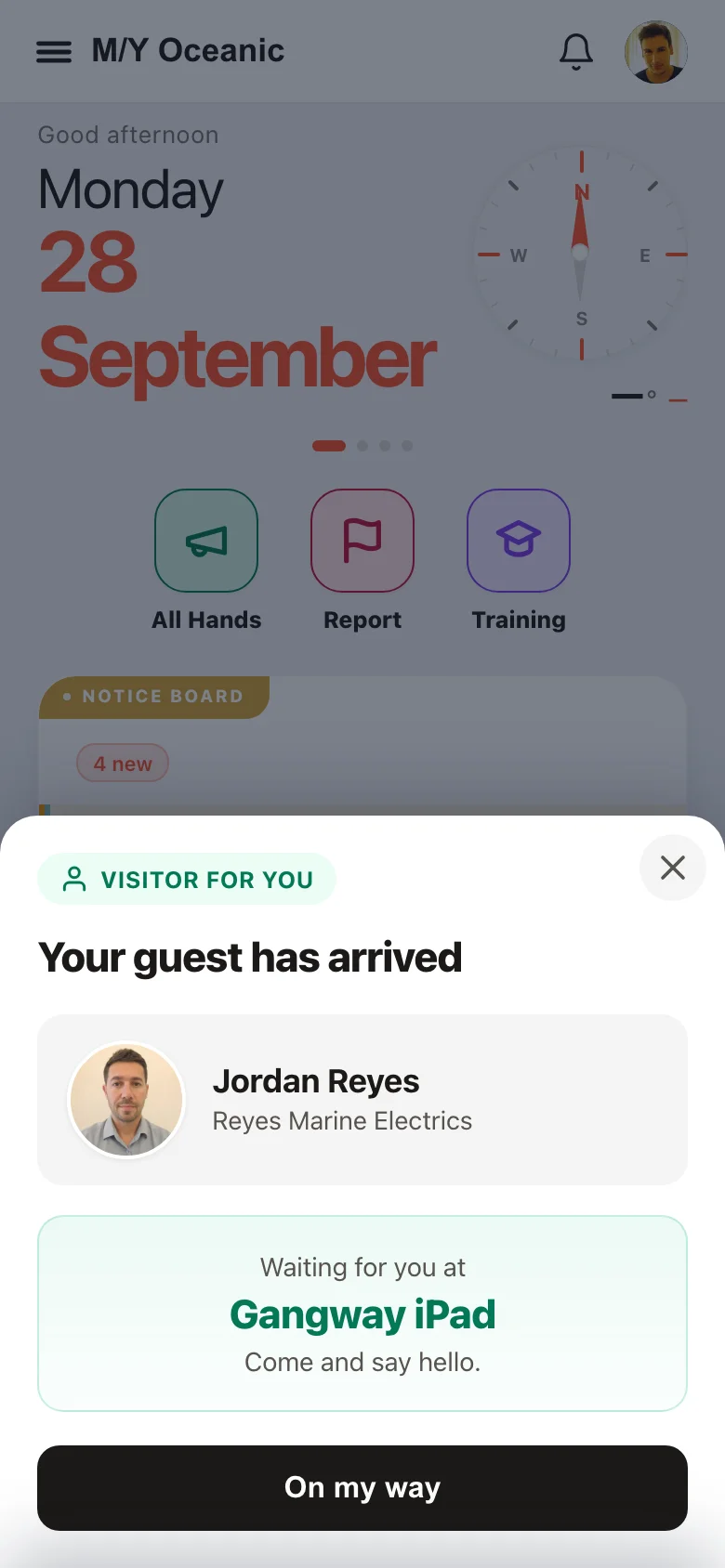

Jordan Reyes has arrived at Gangway iPad.
Hi Marcus 👋 A visitor Security Search has been triggered on Gangway iPad during visitor check-in!
Running on superyachts every day.
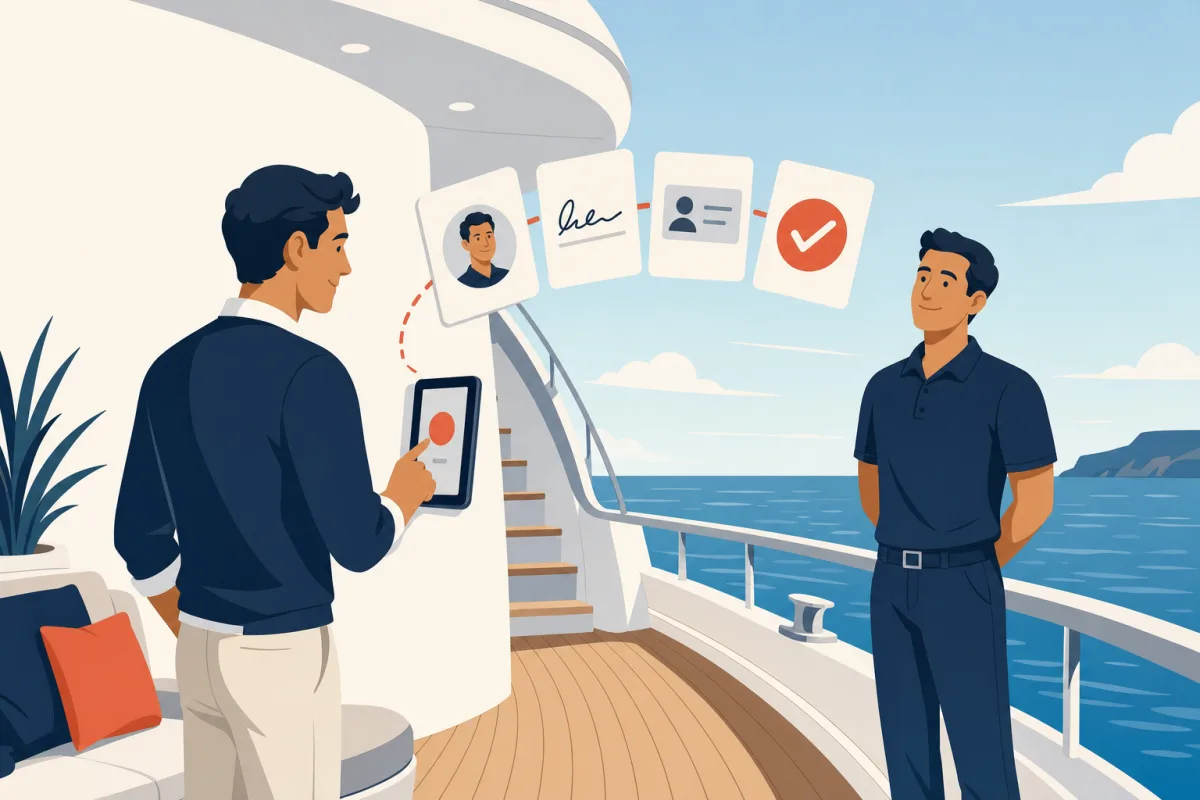
Stand beside them, not behind a clipboard.
They fill it in. Your crew checks it.

The clipboard
Slow, and nobody signs out.
The Muster App
Crew-checked, and on the record.
The whole check‑in, on one iPad.


They pick who they’re here to see.
Their host gets a push the moment they continue.
- Push, WhatsApp and email alerts
- Visitor photo on the alert
- Returning visitor alerts
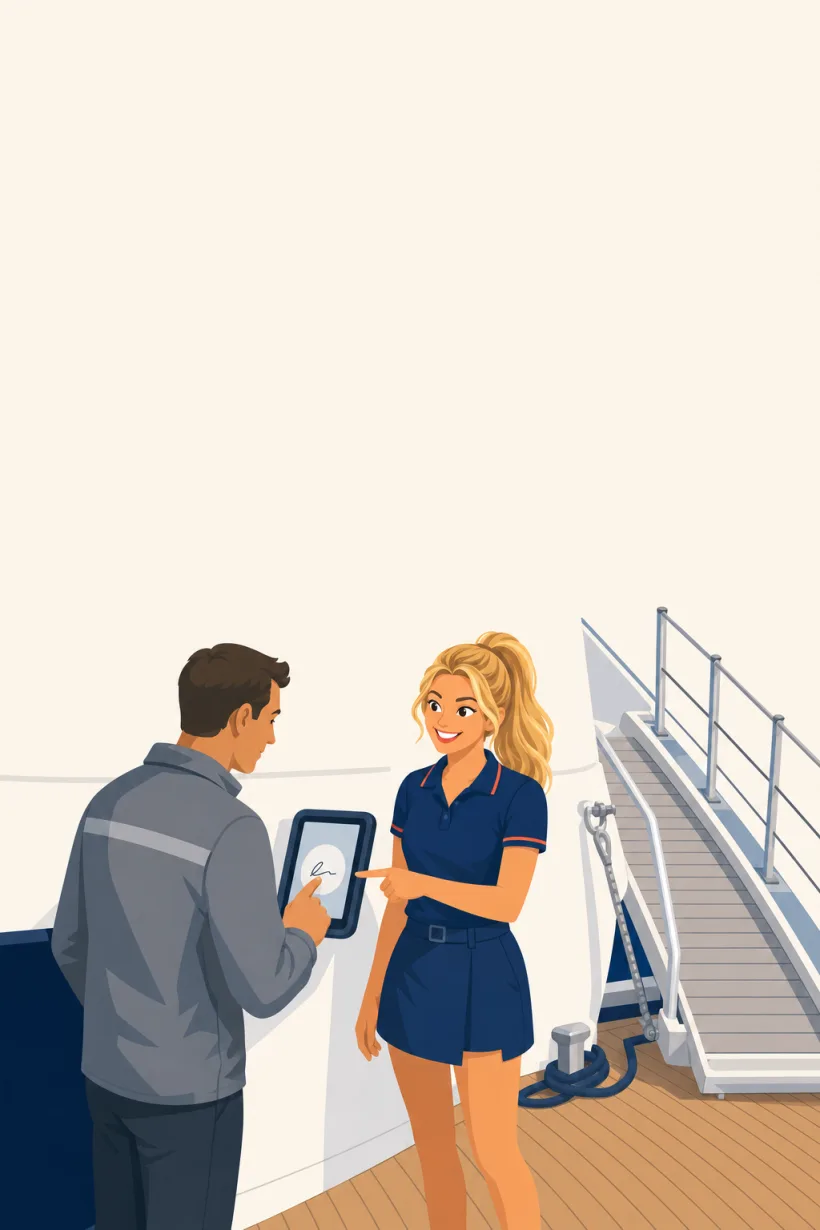
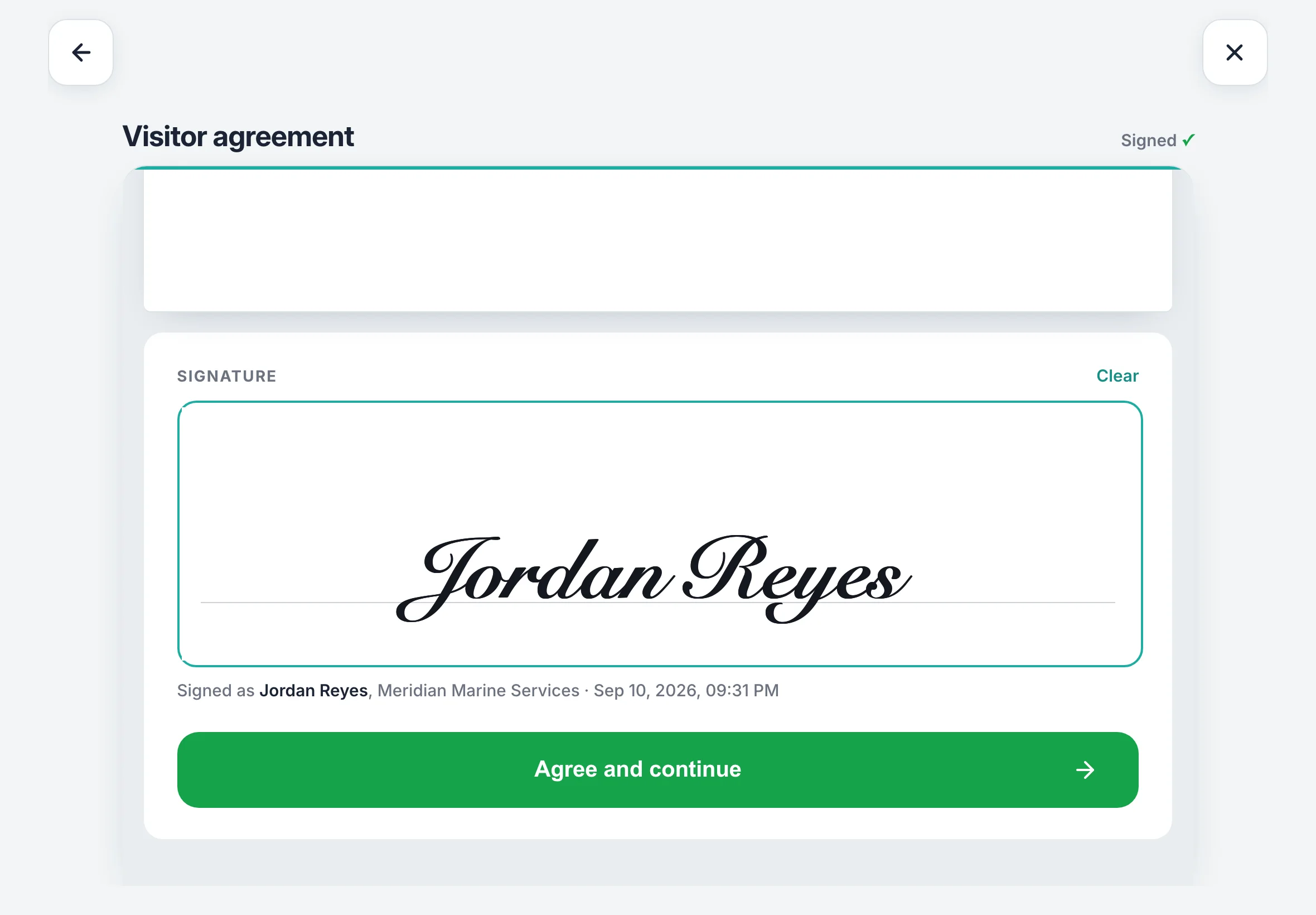
Your NDA, signed before they step on.
The signature pad only opens on the last page.
- Your own wording
- Signed PDF on every visit
- Returning visitor rules

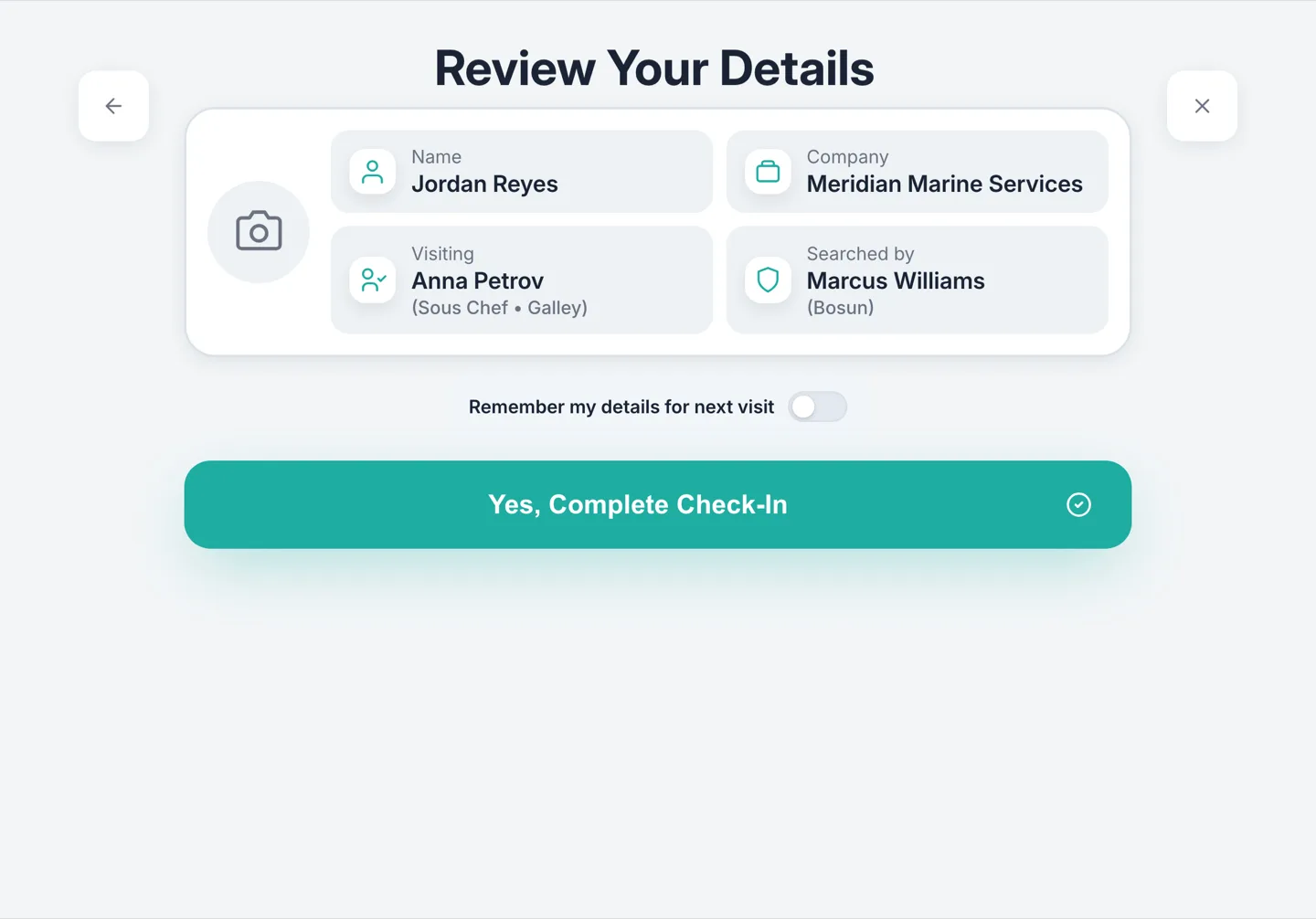
A face and a document on every record.
The name on the ID is matched to the name they gave.
- ID scanning
- Check-in photos
- Flagged visitor alerts

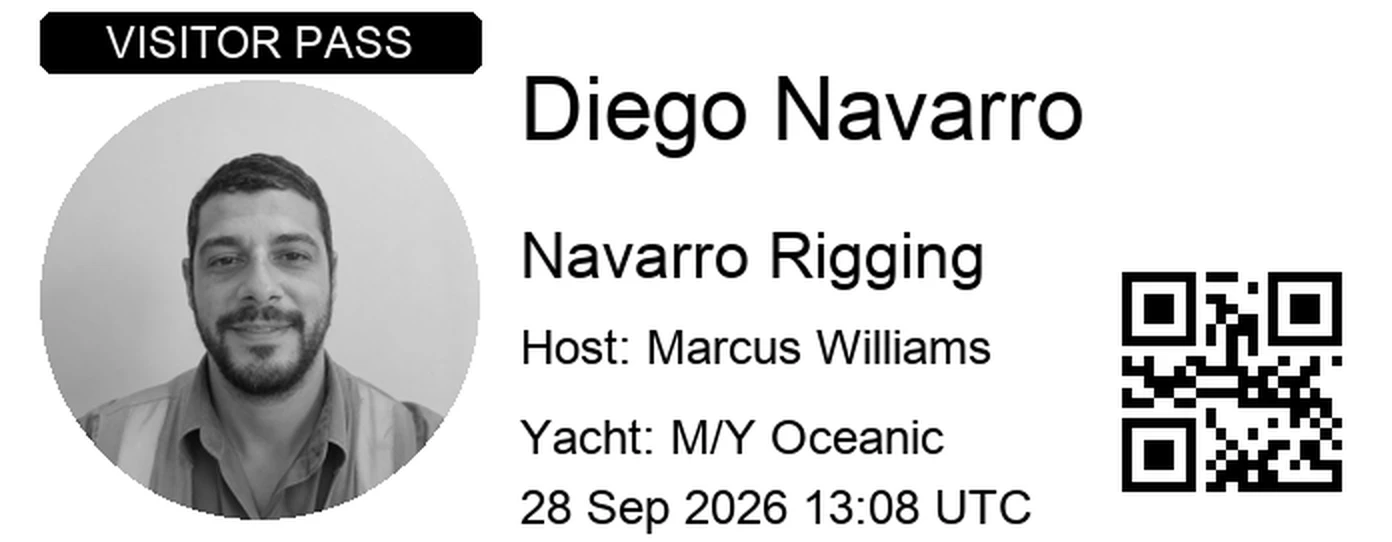
A badge in their hand at the door.
Photo, name, company and host. Red if they stay with their host.
- Brother label printers
- Custom badge design
- QR visitor passes
On every plan, from £110 a month per vessel.
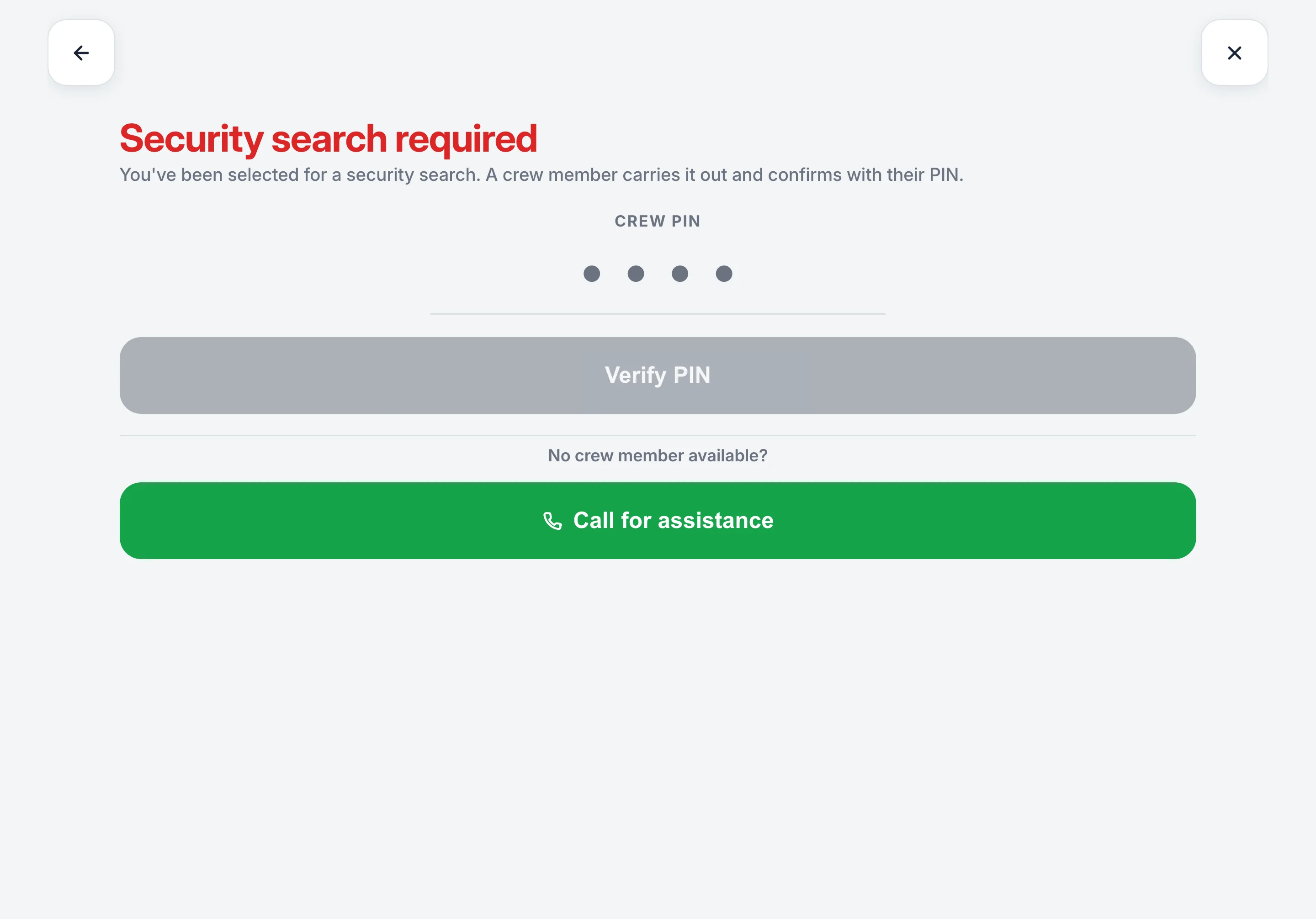
Raise the ISPS level. The iPad follows.
Office sign-in apps have never heard of a security level.
- ISPS security levels
- Crew PIN search clearance
- Search alerts to every HoD
- Flagged visitor alerts
Your visitor log, ready for port state control.
Every visit, who cleared them and when they left, without anyone writing it up.
- Live aboard-now board
- Searchable visitor history
- One-click PDF export
- Retention you control

Contractor season, without the queue.
Regulars scan a QR pass and walk on. Anyone still on the board at knock-off is signed out for you.
- QR visitor passes
- Returning visitor recognition
- Automatic sign-out
- Works offline

The Muster App has become one of those tools we use without really thinking about it. It’s made everyday tasks easier and has also got the crew more engaged with safety and their responsibilities onboard.
The ship visitor log, answered.
What is a ship visitor management system?
An iPad at the door that signs visitors, guests and contractors on and off the vessel and keeps the visitor log. The Muster App is a visitor sign-in and visitor management system for any vessel with a gangway, from a commercial ship to a yacht: it takes a photo, records who they are visiting, has your agreement signed before boarding, checks ID, prints a badge, and tells the host’s phone they have arrived.
Is it built for vessels, or adapted from an office product?
Built for vessels. It follows the ISPS security level you set, holds a visitor for a search until a crew member clears them, counts visitors on the muster board, and exports the log in the form port state control asks for. Office sign-in apps do none of that. Office sign-in apps on a boat
What does the visitor log record?
Who boarded, when they arrived, when they left, who they were visiting, who cleared them, whether they were searched, the signed agreement and the ID check. It is searchable by name, company, host or date, and exports as a PDF. What the ISPS Code asks of the visitor log
How quick is visitor sign-in?
The visitor fills it in themselves, with a crew member alongside to check it. A returning visitor is recognised by name with their details filled in from last time, and a regular with a pass scans a QR code and walks on.
Does it work without WiFi?
Yes. Sign-ins and sign-outs queue on the iPad and sync when the connection returns, which is what a refit yard tends to need.
What does it cost?
Visitor sign-in is on every plan, from £110 a month per vessel with unlimited crew and unlimited visitors, with a 14-day free trial. See pricing
Try it on your boat today.
Free for 14 days. From £110 a month.
Unlimited crew and visitors. Refund policy