Recommended hardware
What you need at the gangway.
iPad, label printer, mount. Bring your own; setup is self-serve in the admin.
Free for 14 days. From £110 a month per vessel, unlimited crew.
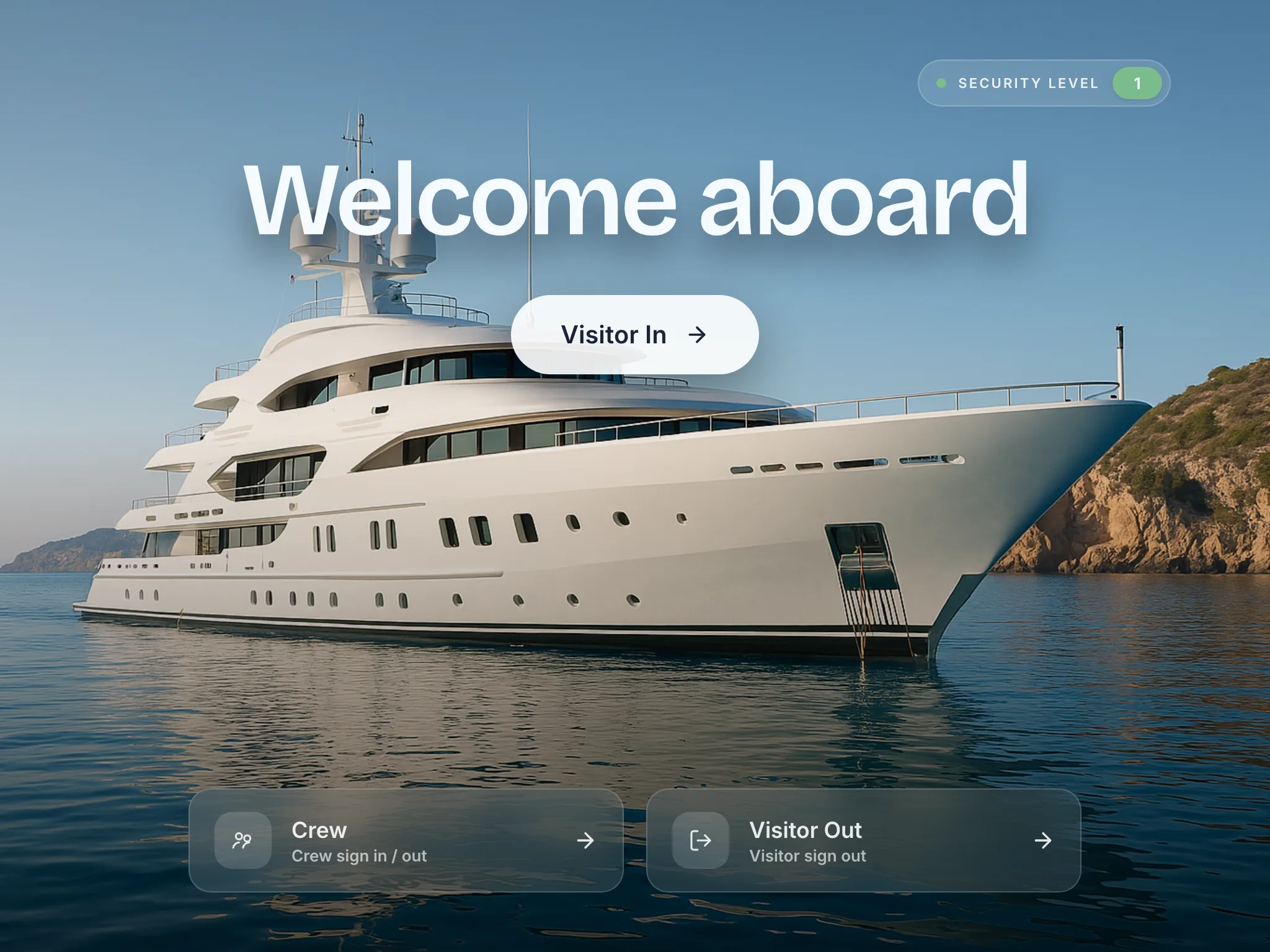
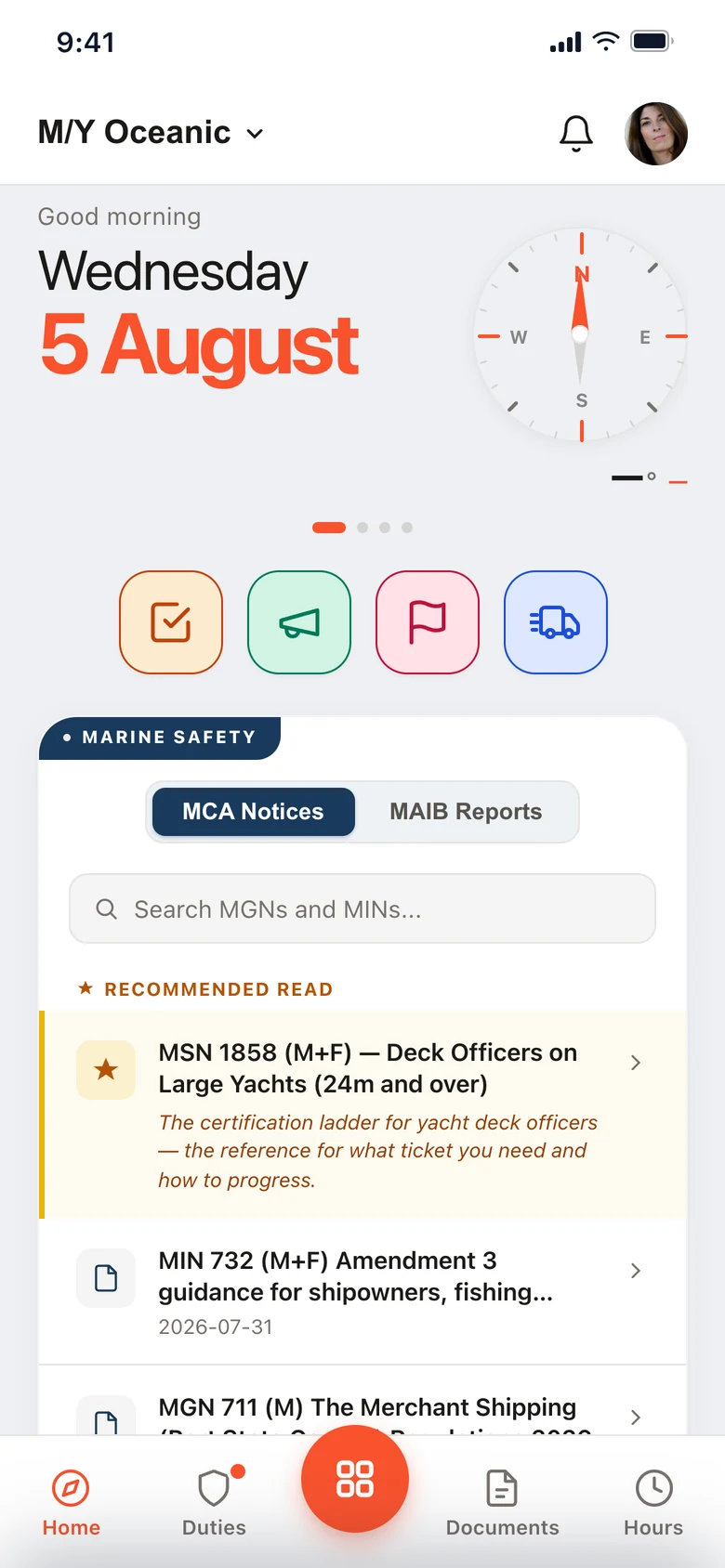
Running on superyachts every day.
Built for iPad.
iPad 10th generation (2022) or newer; Air and Pro both work. A 10.9″ or larger screen is easiest for crew and visitors to read at the gangway.
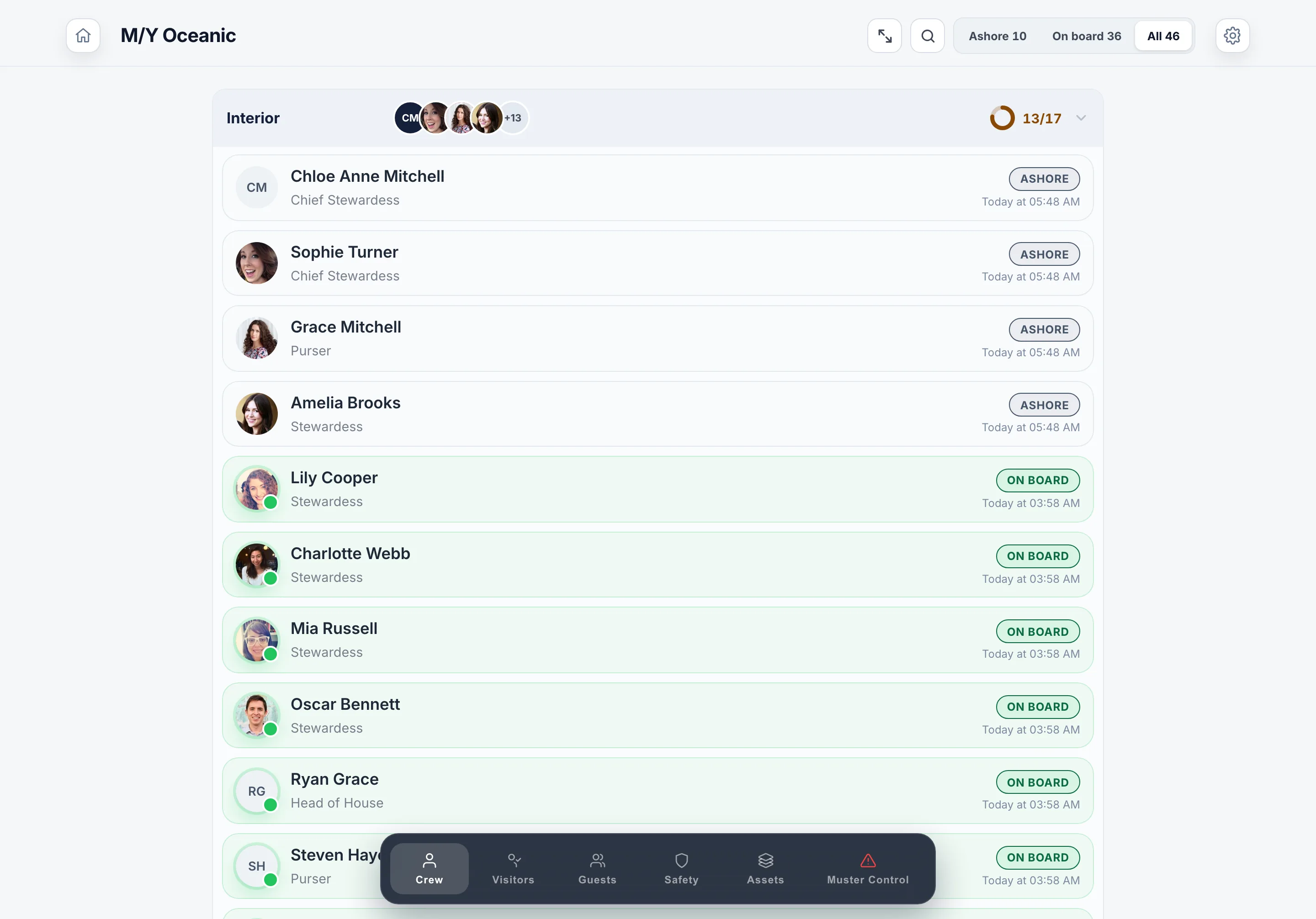 The crew board, by department
iPadOS 16.6 or later. The same iPad runs the welcome screen, the crew board, visitors and muster, so one at the gangway covers the day.
Mounting the iPad.
Mount it however suits the vessel. Any standard iPad mount or enclosure works, and most yachts already have one. If you’re starting from scratch, the setups below are worth a look.
iPort Connect Pro
Magnetic mount with wireless charging. The iPad sits in a custom sleeve and snaps onto a wall or desk plate, charging while it’s docked. Crew can lift it off during a muster drill and snap it back after.
Bouncepad
Secure kiosk enclosure. Locks the iPad in place for unattended visitor check-in at the gangway. Cable routed internally, with camera and home button exposed or blocked as you choose.
A couple we’ve seen work well aboard. Examples, not requirements.
The badge printer: Brother QL-820NWB.
Thermal label printer for visitor name badges. Wi-Fi to the iPad, no cables, no ink. Swap the label roll when it runs out.
A restricted visitor’s badge prints a RESTRICTED band. The badge logo is set in the admin, and the printer is optional: skip it during setup and the check-in is still logged.
Bring your own iPads.
We do not supply devices. The iPads are yours and the crew phones are the crew’s own. Authorising an iPad takes a code from the admin and about twenty seconds.
On the crew’s own phone
Install The Muster App on each iPad from the App Store, then enter the code. Muster Mate is on the App Store and Google Play, on every plan, for every crew member. See pricing
Wi-Fi, plus offline.
The Muster App needs Wi-Fi for sync between iPads, the admin dashboard, and push notifications. Visitor check-in, the crew board and muster drills keep working offline, and sync when the connection returns.
Hours of Rest are computed on the phone itself, so a crew member logs the day and sees the verdict with no connection at all. See how the Hours of Rest record works
The Muster App has become one of those tools we use without really thinking about it. It’s made everyday tasks easier and has also got the crew more engaged with safety and their responsibilities onboard.