Stores & Spares
Yacht inventory made simple.
Know what’s on board, where it’s kept and when it needs replacing, from one app your crew already use.
Free for 14 days. From £110 a month.
Running on superyachts every day.
Your vessel deserves better than spreadsheets.
A spreadsheet is only as good as the last person who updated it. The Muster App keeps your stores accurate as the crew use them.
- Keep stores in every part of the vessel: It’s easy with your own locations, from deck to locker to shelf.
- Work as one crew: Each department runs its own stores, and everyone sees the same counts.
- Cut out manual errors: Barcode scanning on the crew’s own phones keeps every count right without retyping.
- Avoid costly surprises: See what’s running low and what’s due for service before you leave port.
Find any spare the first time you look.
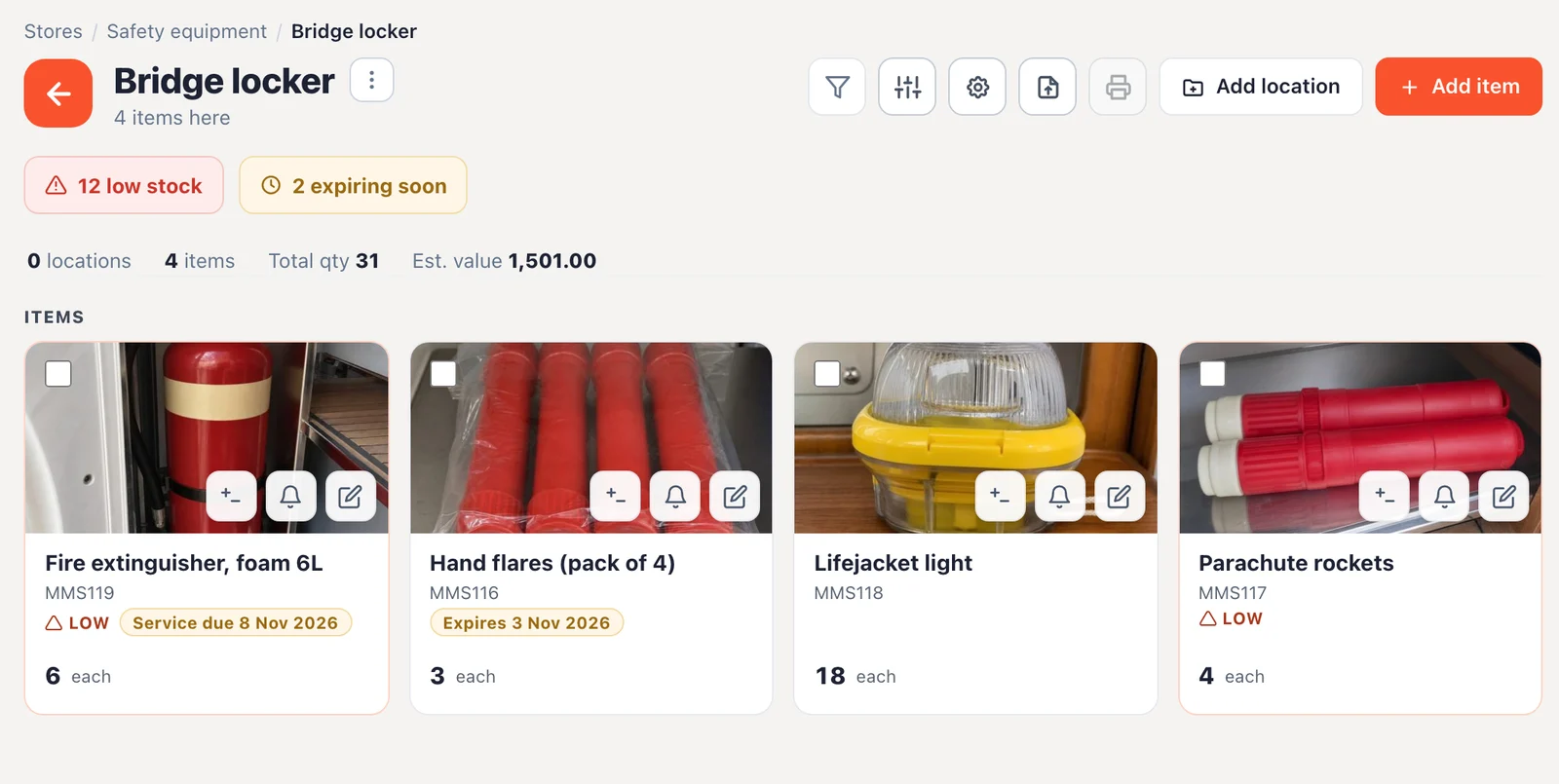
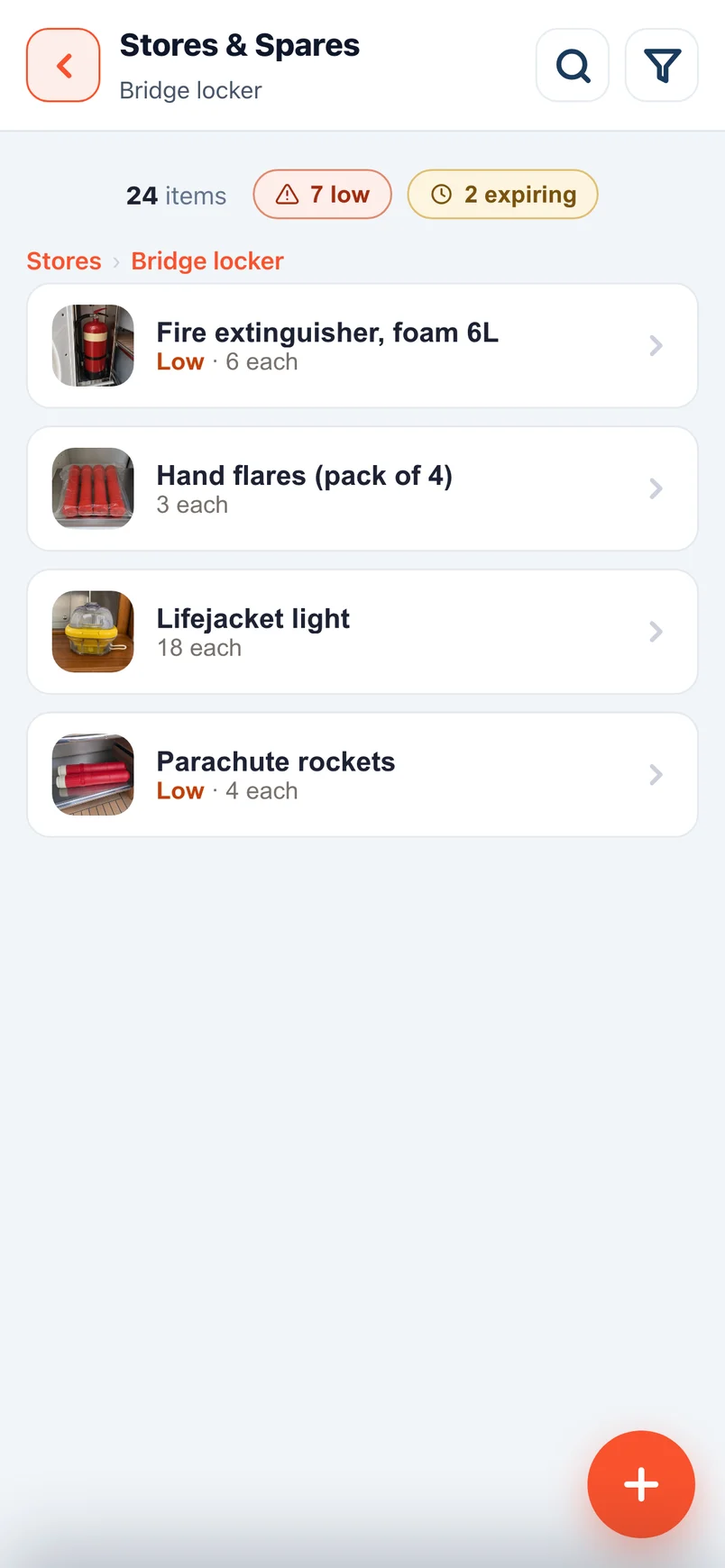
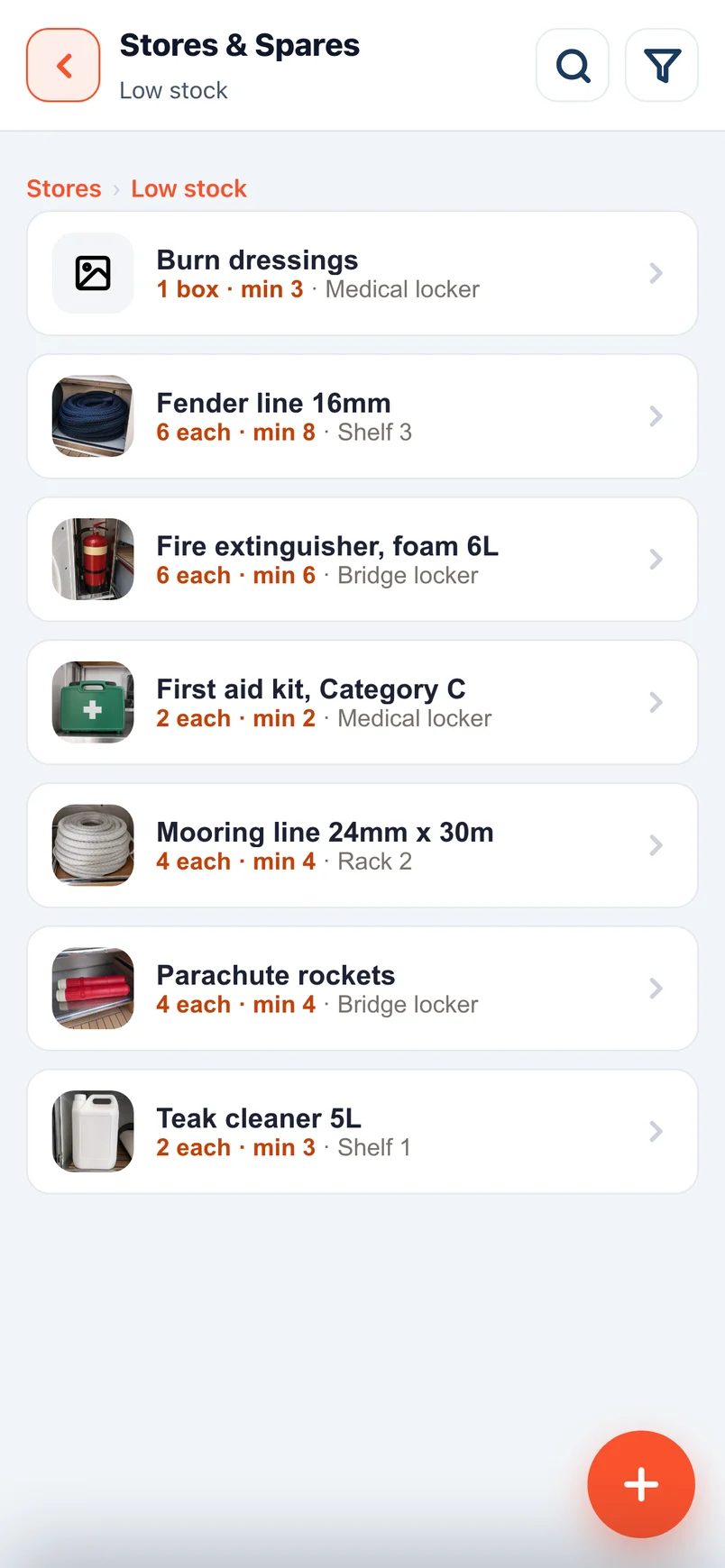
Every item has a photo and a home, so nobody has to search the boat for a part.
- See it before you go looking: Item photos help the crew recognise the right part straight away.
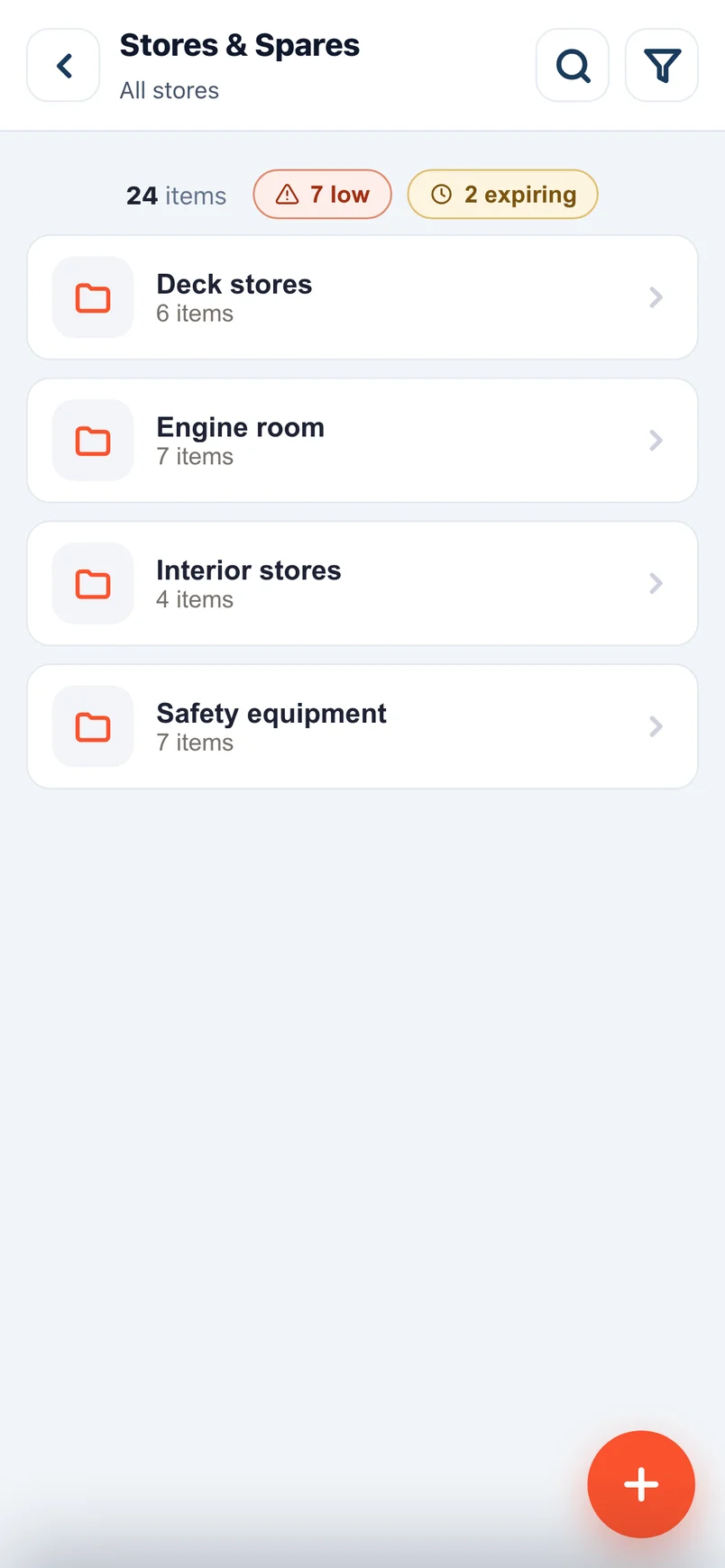
- Know exactly where it’s kept: Nest locations as deep as you need, such as deck, locker and shelf.
- Label every item and locker: Print QR labels on A4 sheets or label rolls and stick them where they belong.
- Help new crew settle in faster: Anyone joining can find their way around the stores from day one.
Bring your own barcode
The barcode on the packaging is already your label.
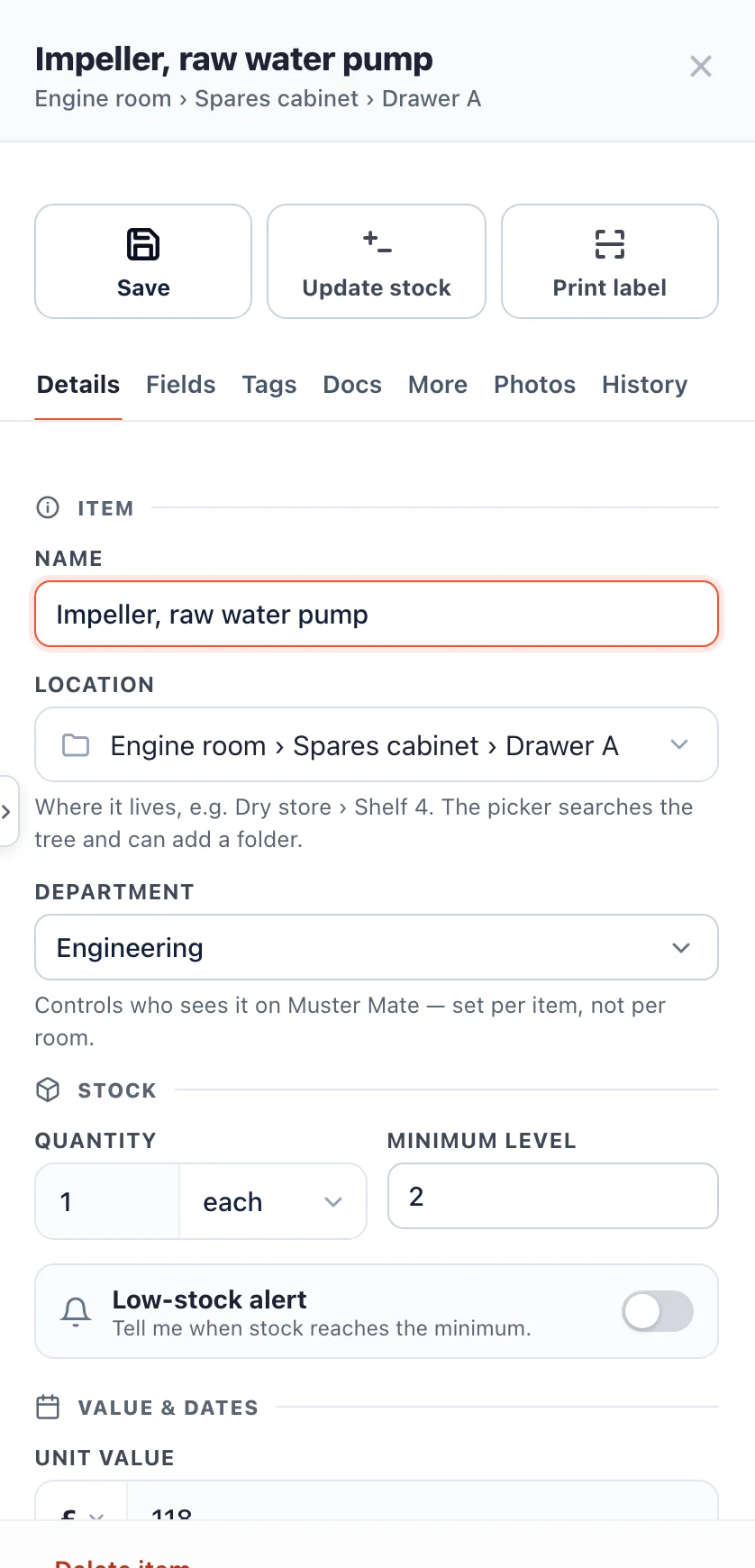
Point a crew phone at it and the name fills in by itself.
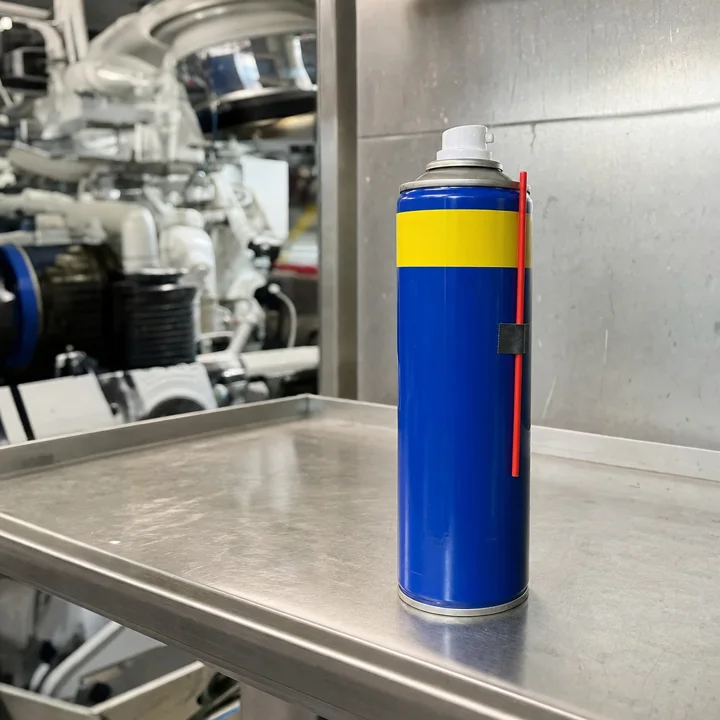
Keep counts right with a scan on any phone.
Crew use the free Muster Mate app on their own phones, so you never need to buy a scanner.
- Scan any barcode: Point the phone at a barcode, and a known product fills in its own name.
- Take one out or restock: The count changes from the scan, right where the item is used.
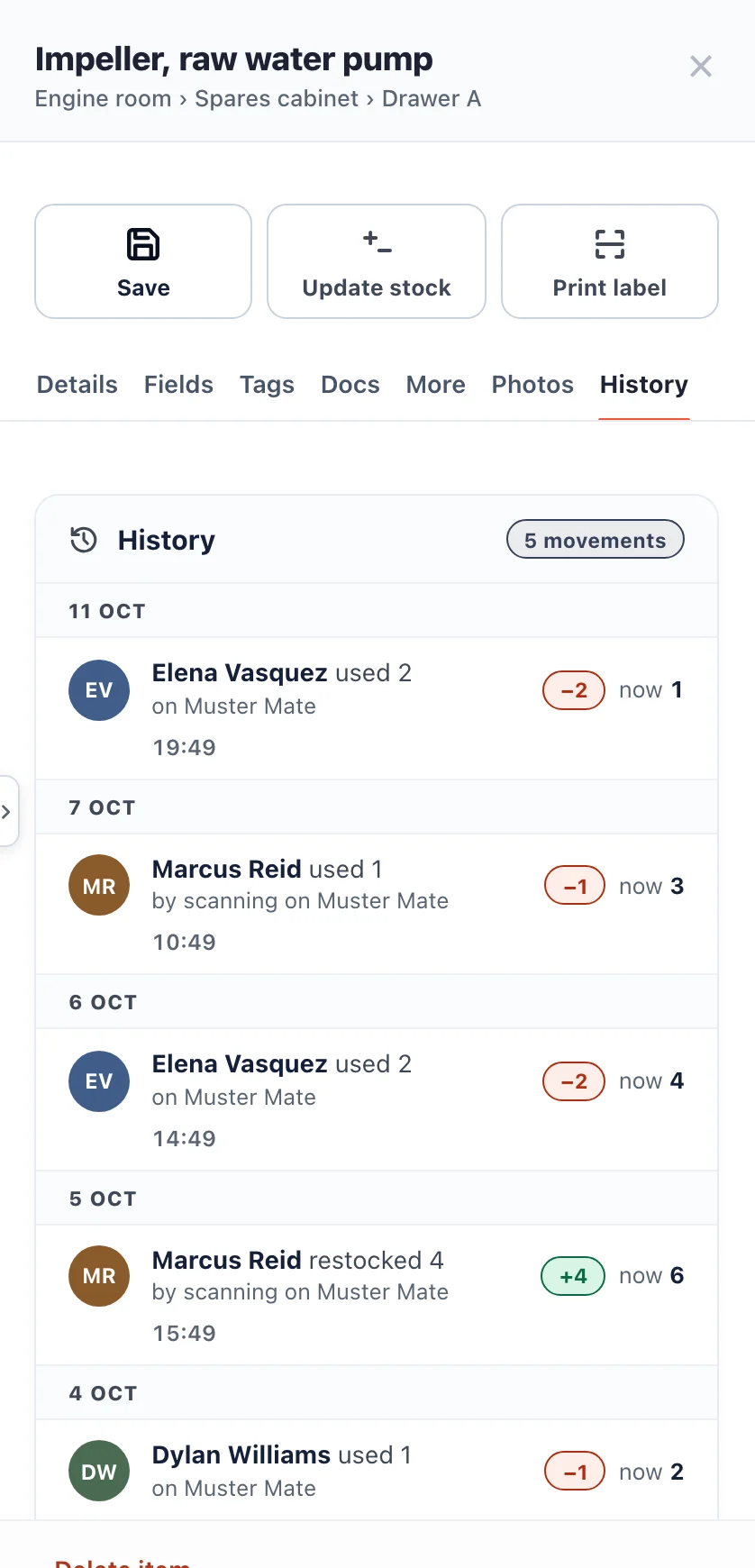
- Know who used what: Every use and restock is kept with the crew member’s name and the time.
- Trust the numbers you order from: Counts that stay current mean you re-order the right amount.
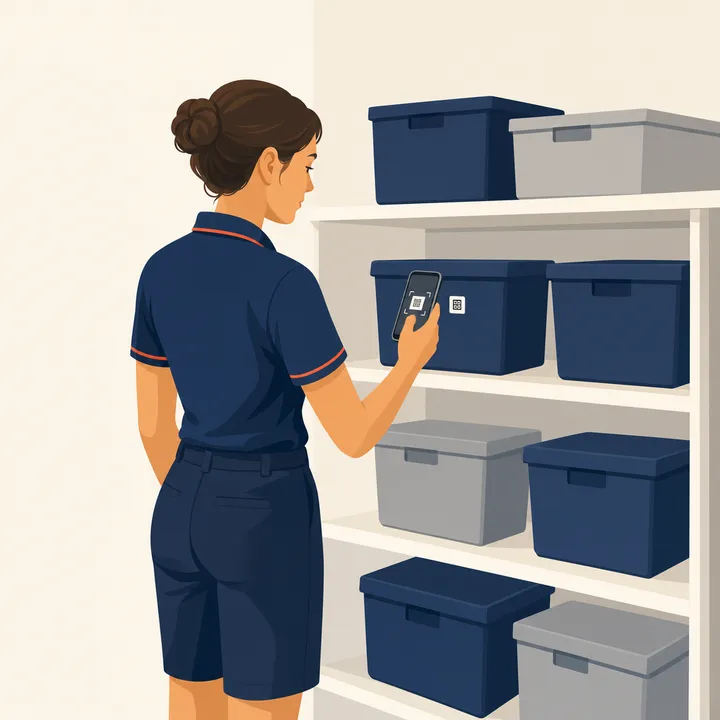
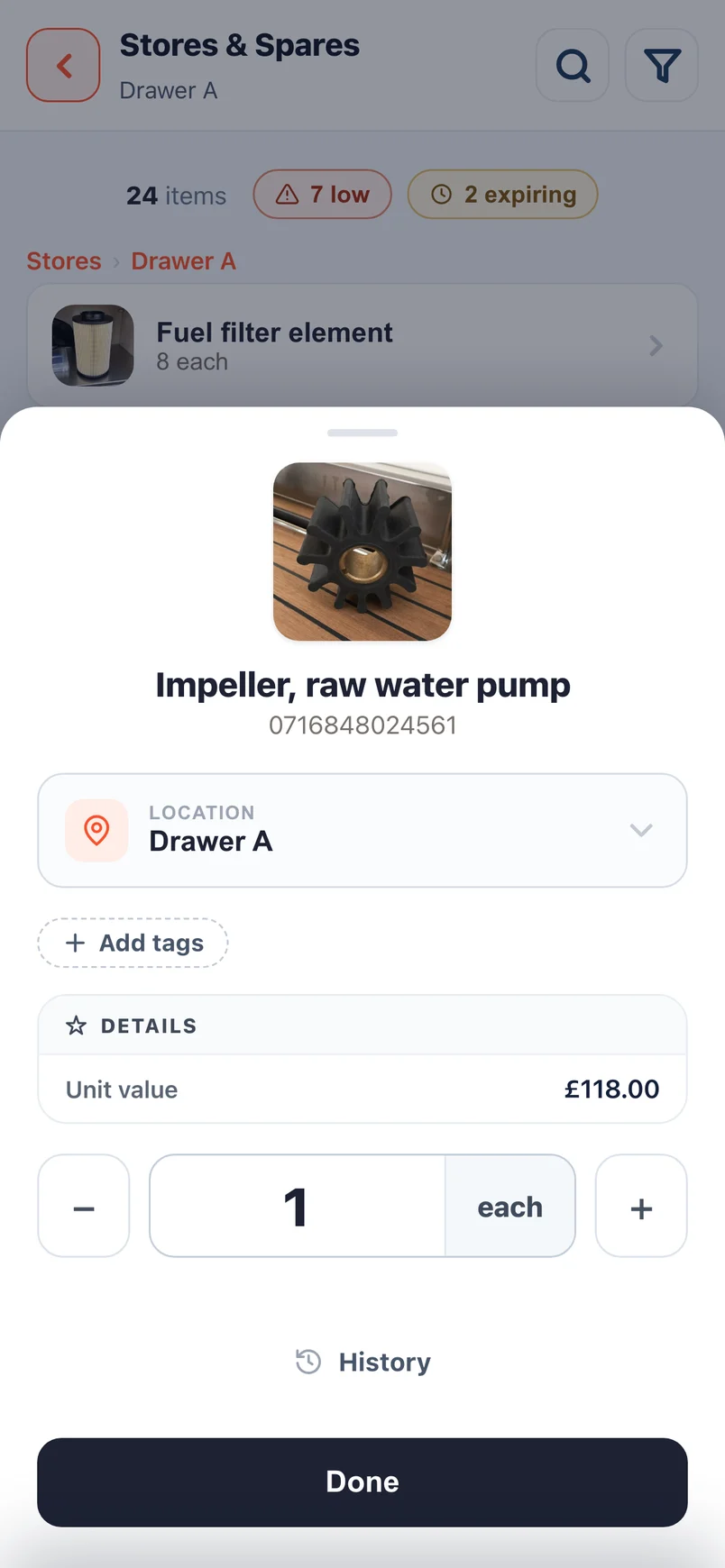
Stay stocked and in date wherever you sail.
Set minimum levels, expiry dates and service dates, and the admin panel shows what needs attention.
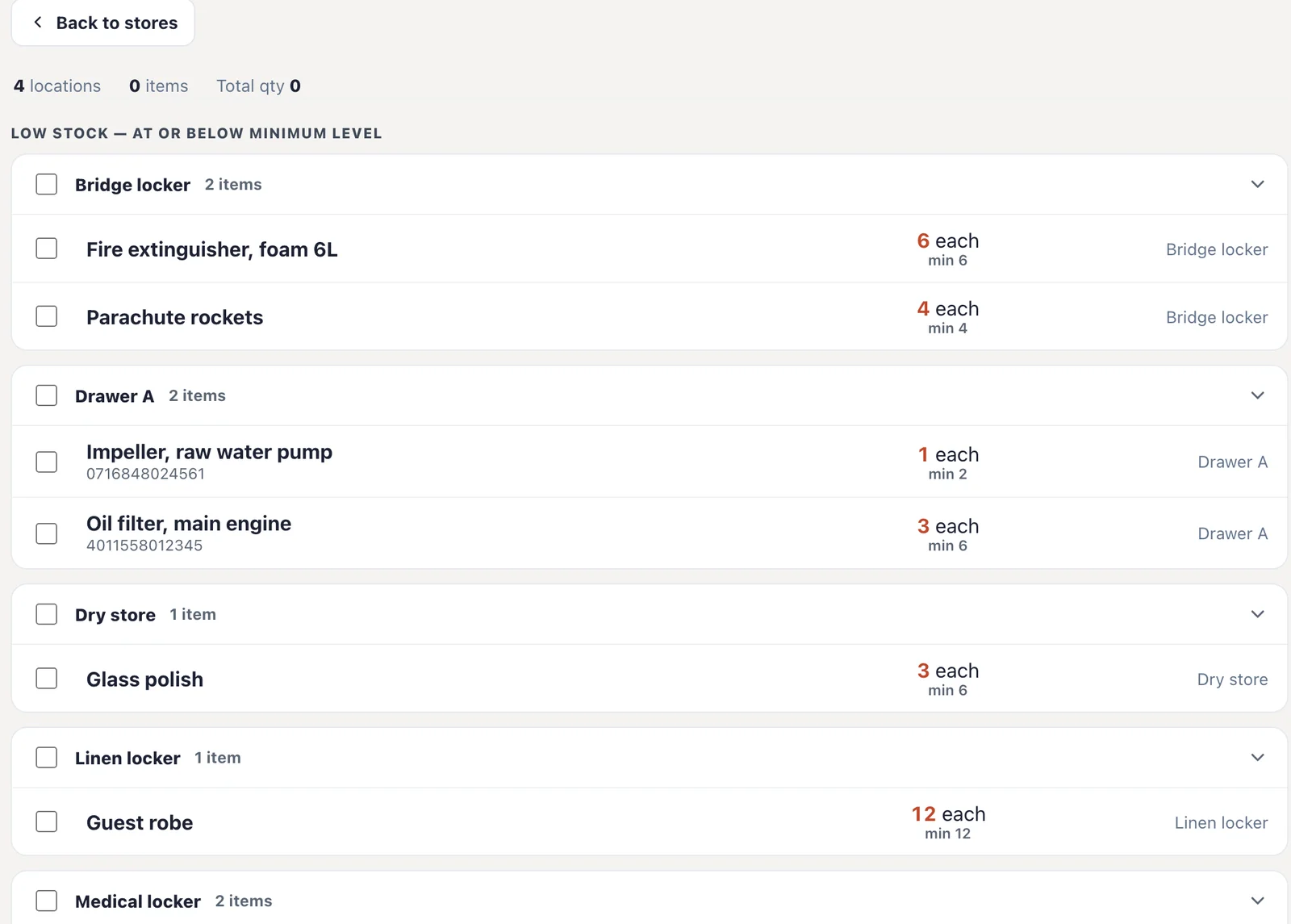
- Find out you’re low before you’re out: A low-stock list shows every item below its minimum level.
- Keep safety kit in date: An expiring and due-for-service list shows what needs replacing or servicing next.
- Plan ahead for passages and refits: Check what’s low and what’s due before you leave, while suppliers are close.
- Report to the owner or management: Download PDF stock reports with the total value of your stores.
Run the whole vessel from one app.
Stores & Spares is in the same app your crew use for muster, Hours of Rest, checklists and training.
- Give each department its own stores: Deck, Interior and Engineering each keep theirs, with Heads of Department in charge.
- Bring your spreadsheet with you: Import your existing list, and AI matches the columns for you.
- Make handover easier: The next crew member picks up a complete record, not a notebook.
- Pay per vessel, not per item: There are no item limits, unlimited crew, and it comes in every plan.
The Muster App has become one of those tools we use without really thinking about it. It’s made everyday tasks easier and has also got the crew more engaged with safety and their responsibilities onboard.
Questions about yacht inventory.
How much does Stores & Spares cost?
It’s included in every plan. Try it free for 14 days, then plans start from £110 a month per vessel, with unlimited crew. See pricing
Is there a limit on how many items we can add?
No. You pay per vessel, and there are no item limits.
Can we import our existing spreadsheet or a Sortly export?
Yes. Upload your spreadsheet or a Sortly export, and AI matches the columns to the right fields.
Do the crew need a barcode scanner?
No. The crew scan barcodes with their own phones in the free Muster Mate app.
Can each department keep its own stores?
Yes. Deck, Interior and Engineering each own their stores, and Heads of Department run their own.
Can we track expiry and service dates?
Yes. Add an expiry or service date to any item, and the admin panel lists what’s expiring or due for service.
Can we print labels for items and lockers?
Yes. Print QR labels for items and lockers on A4 sheets or label rolls.