Superyacht crew safety
Safety the crew actually carry.
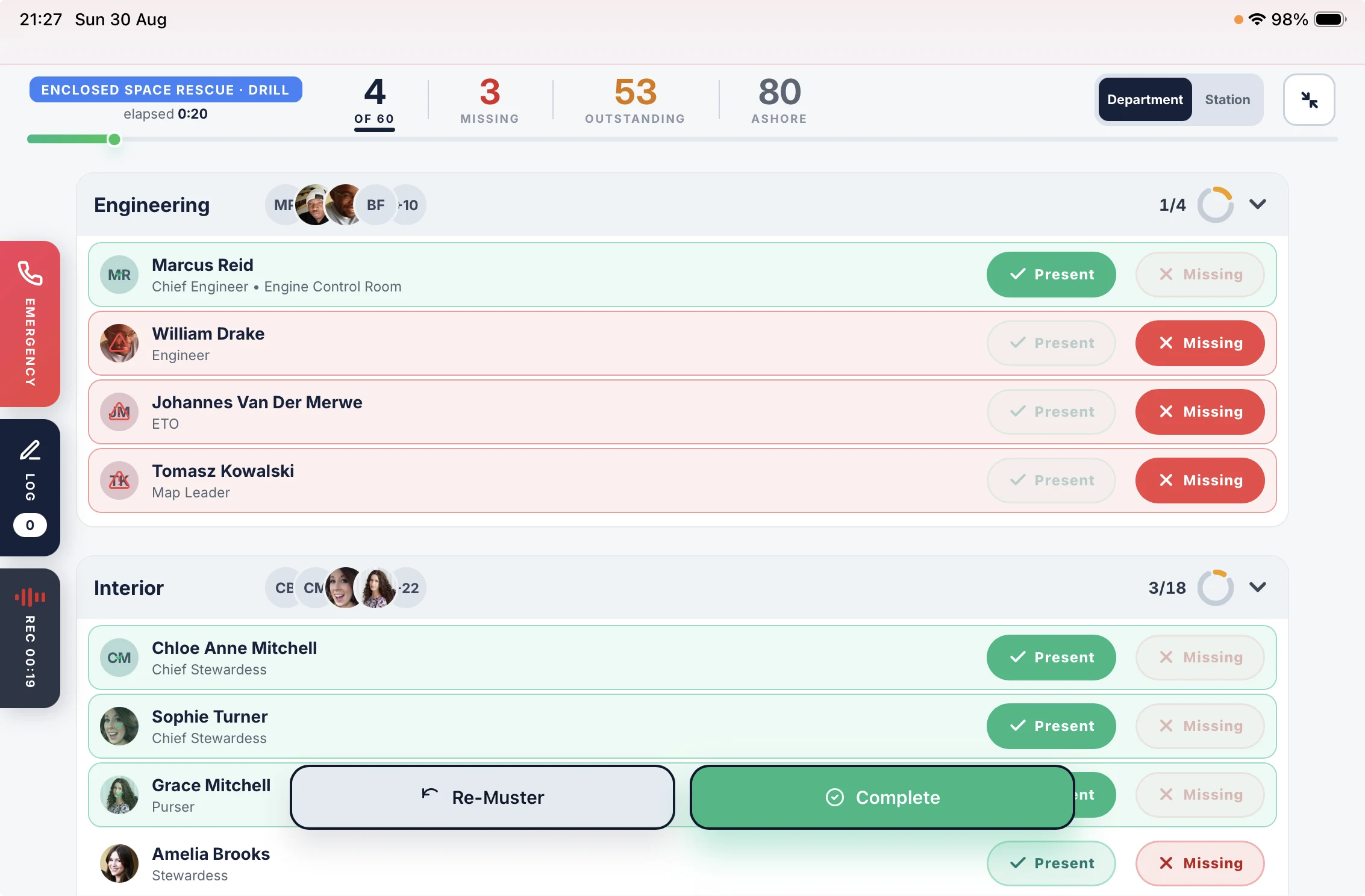
The safety folder stays on the bridge. This is the part that goes with the crew: their duties, their hours, their training and the COSWP, on their own phones. The drill runs from the iPad and records itself.
Free for 14 days. From £110 a month per vessel, unlimited crew.

Fire. Go to your muster station now.
Running on superyachts every day.
The folder on the bridge is not on the crew.
A muster list on the bulkhead, a rest sheet filled in at month end, a COSWP nobody has opened since the induction.
The safety folder
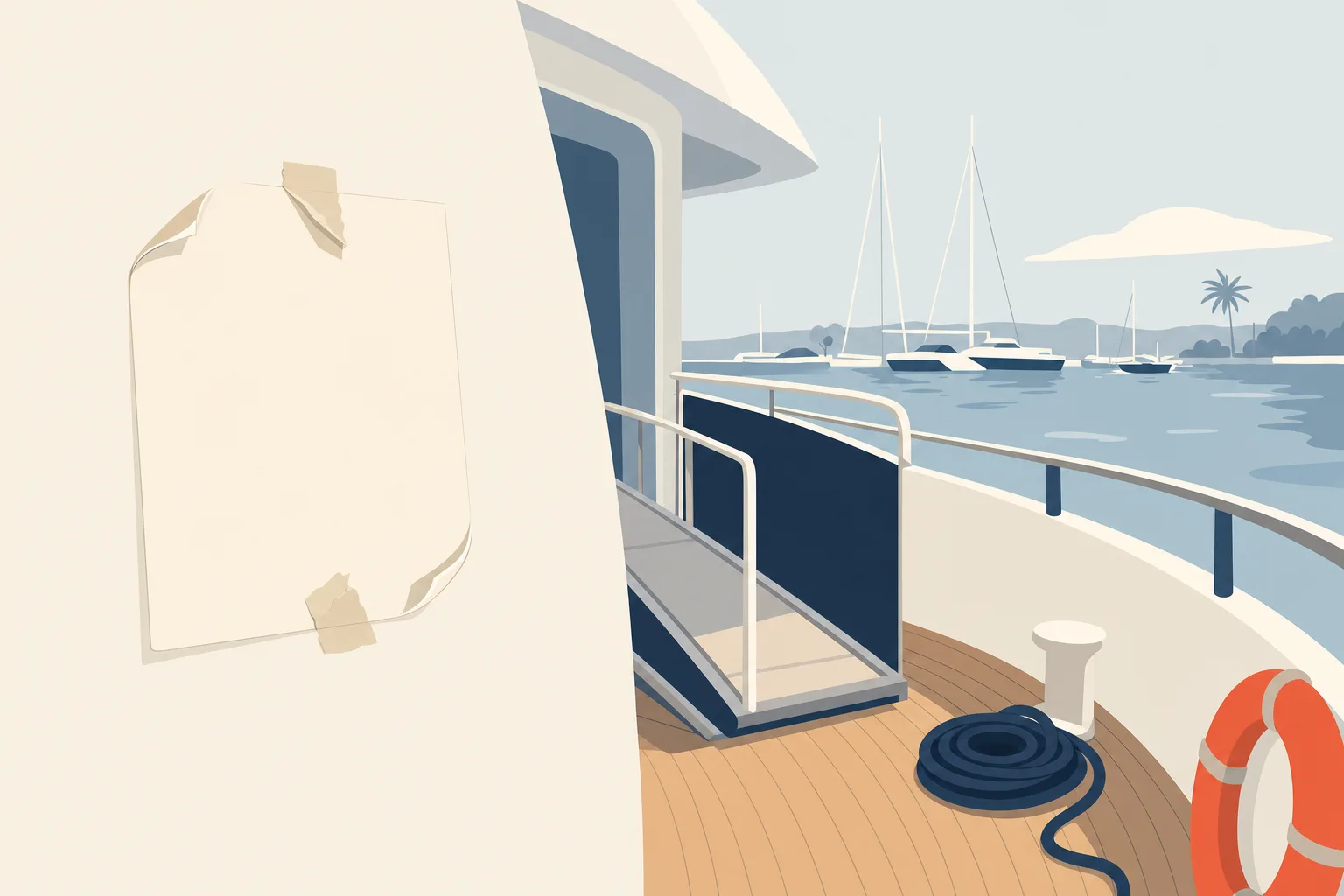
The muster list is a sheet on the wall. Hours of Rest are reconstructed at month end. The drill is signed off afterwards from memory. None of it reaches the crew until they go looking.
The Muster App
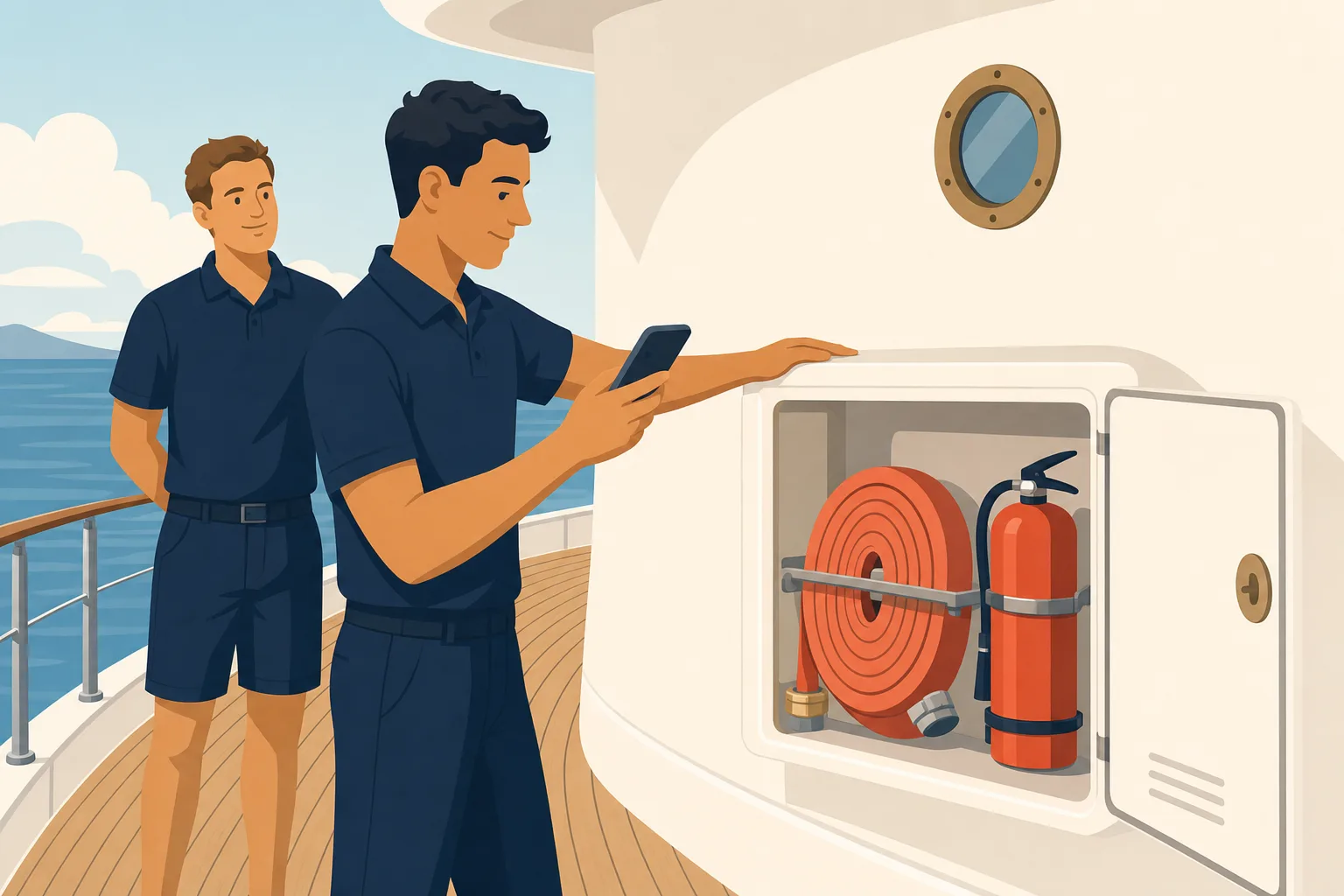
Each crew member’s station and duties on their phone. The day’s rest checked as it is entered. The drill recorded while it runs. The COSWP and the vessel’s own training in their pocket.
What the crew carry, and what the vessel keeps.
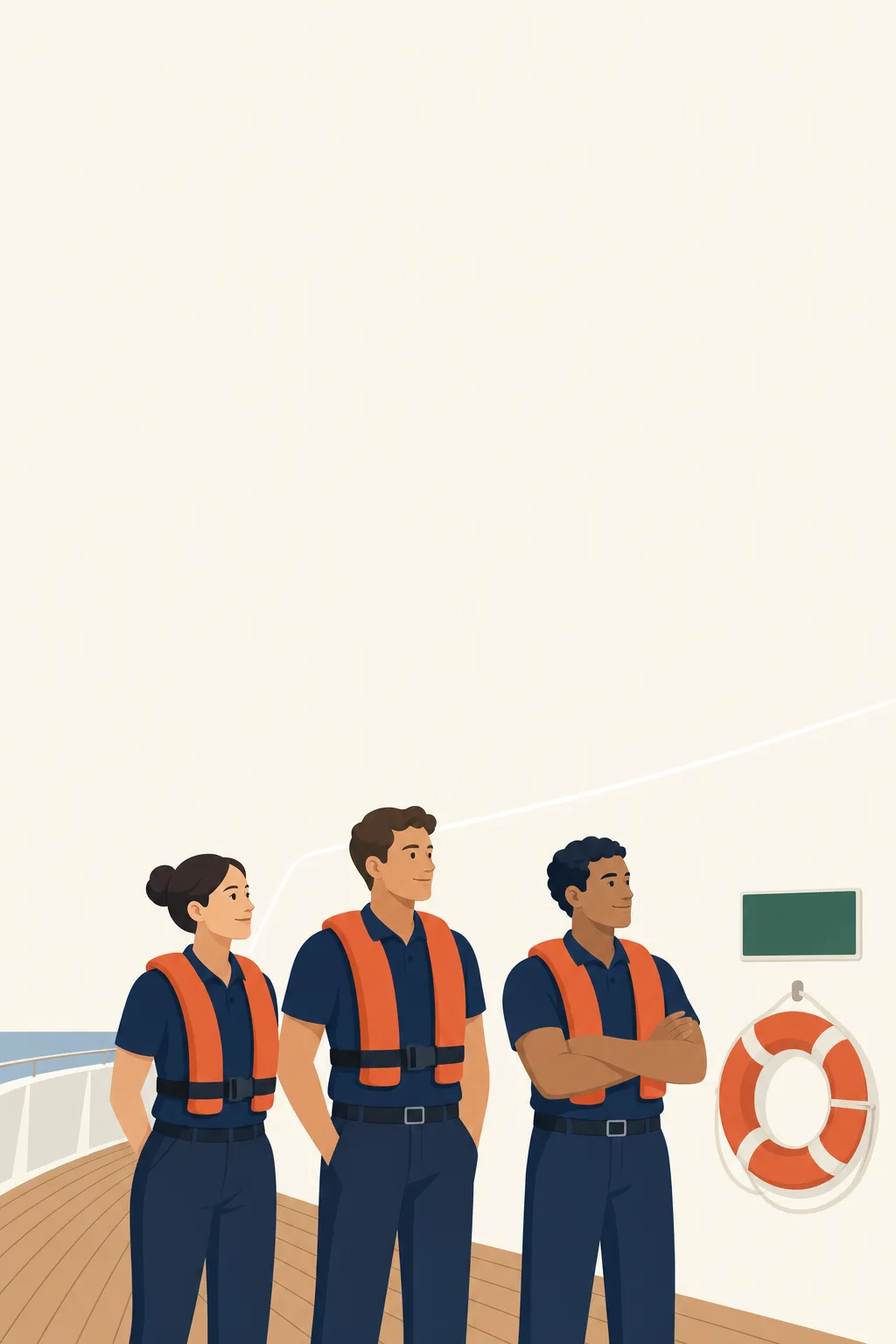
Everyone knows their station.
Built once in the admin, carried into every drill and onto every phone.
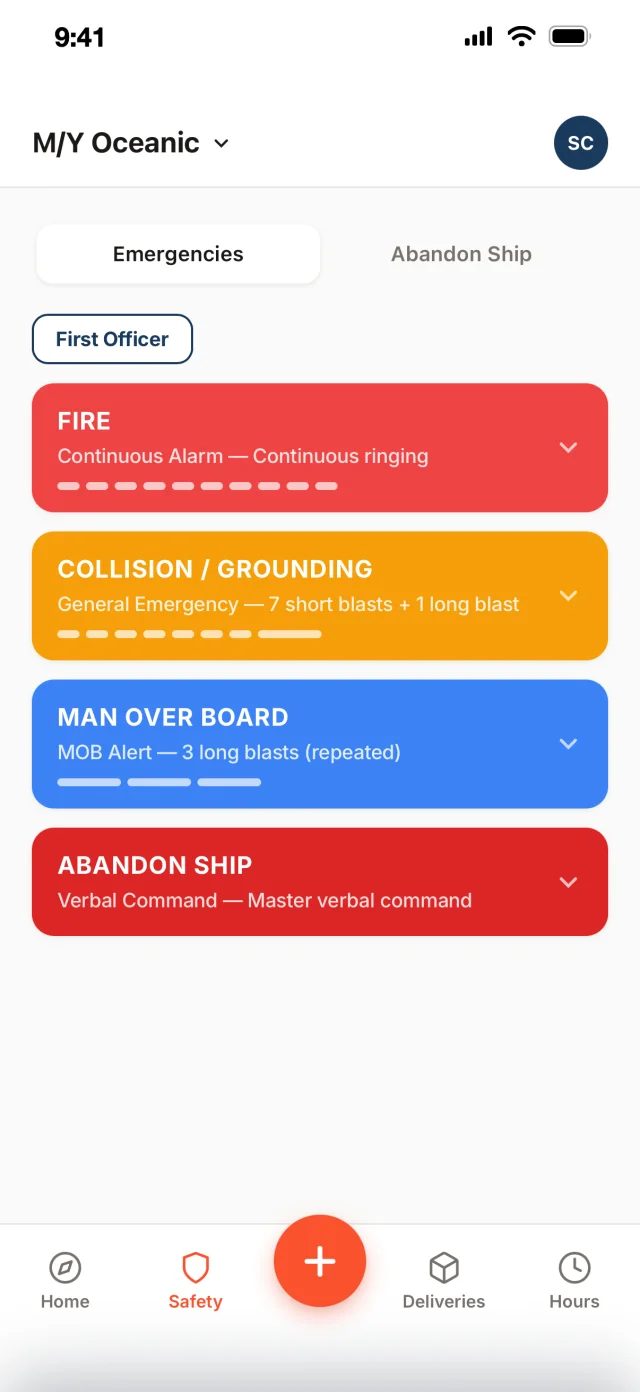
- Their station, on their phone. Station, duties and the alarm signal for each emergency, and abandon ship, on each crew member’s own phone.
- Called from who is aboard. Not last month’s crew list. Accounted for and missing update live as they reach their station.
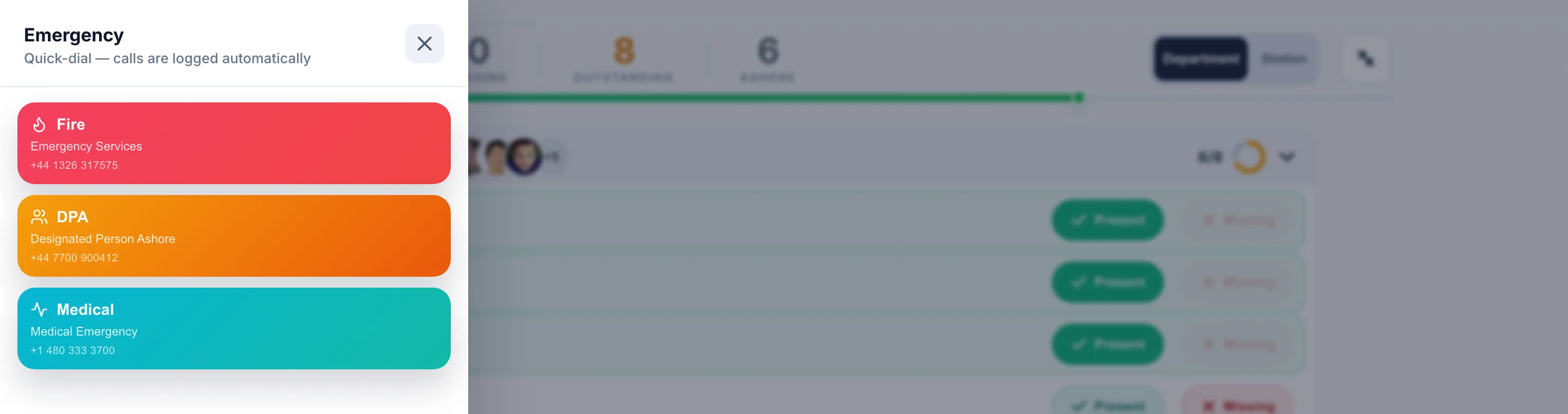
- Help without leaving the board. Fire, DPA and Medical, one button each, dialled from the iPad.
- Re-muster in one action. Clear the board mid-drill and count every head again.
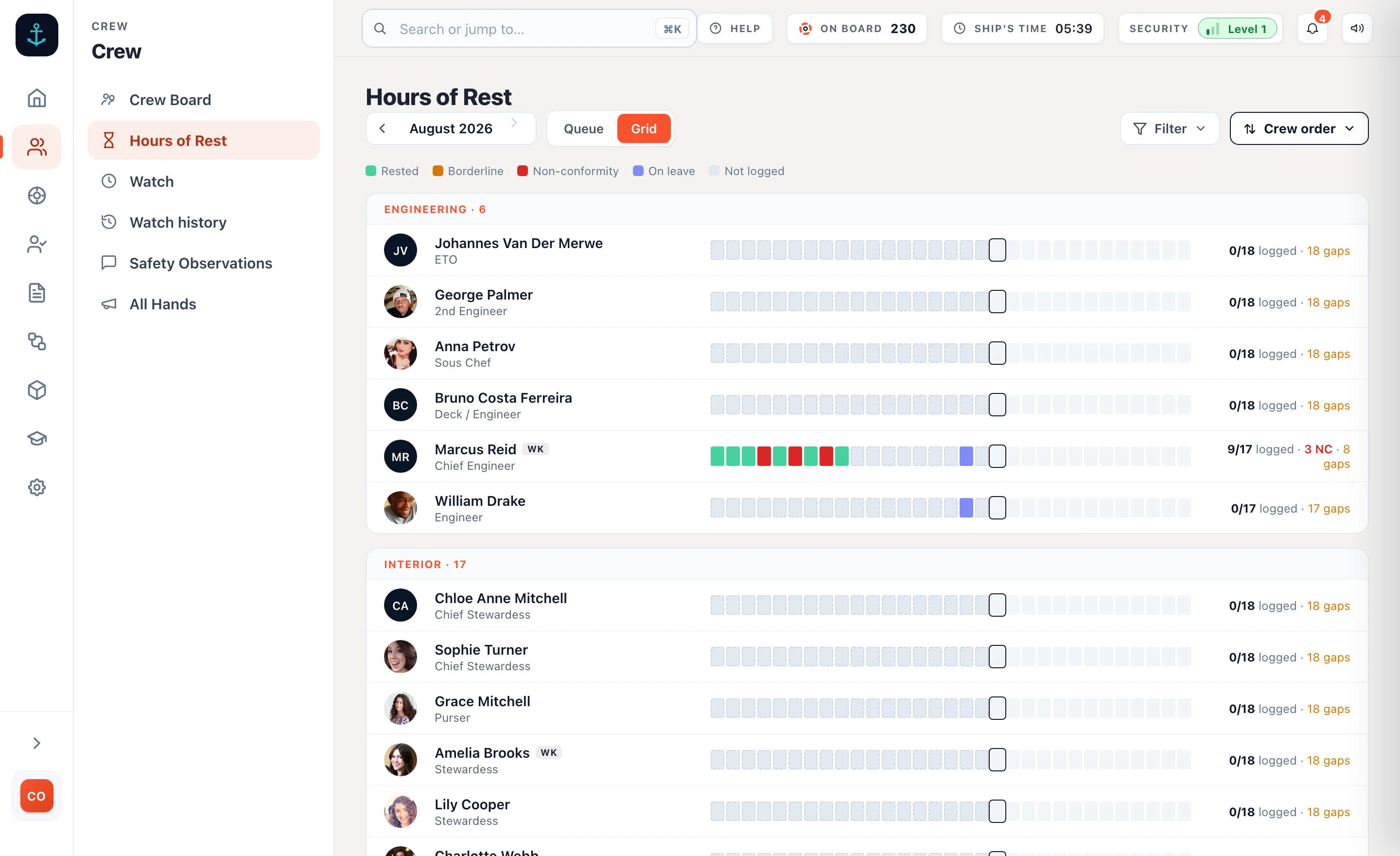
Logged on the day, checked as they go.
Crew log rest on their own phones. The rule is applied while there is still something you can do about it.
- Checked to MLC 2006. Ten hours in any 24, 77 in any seven days, worked out on the phone itself, so it works with no signal.
- A short night is explained on the spot. A non-conformity cannot be saved without a reason, and the Head of Department settles it in one thread.
- Leave is part of it. Last day worked and first day back, so a month off does not read as a month of missing records.
- The month ends in a signature. Signed, filed for inspection, a copy emailed to the seafarer.
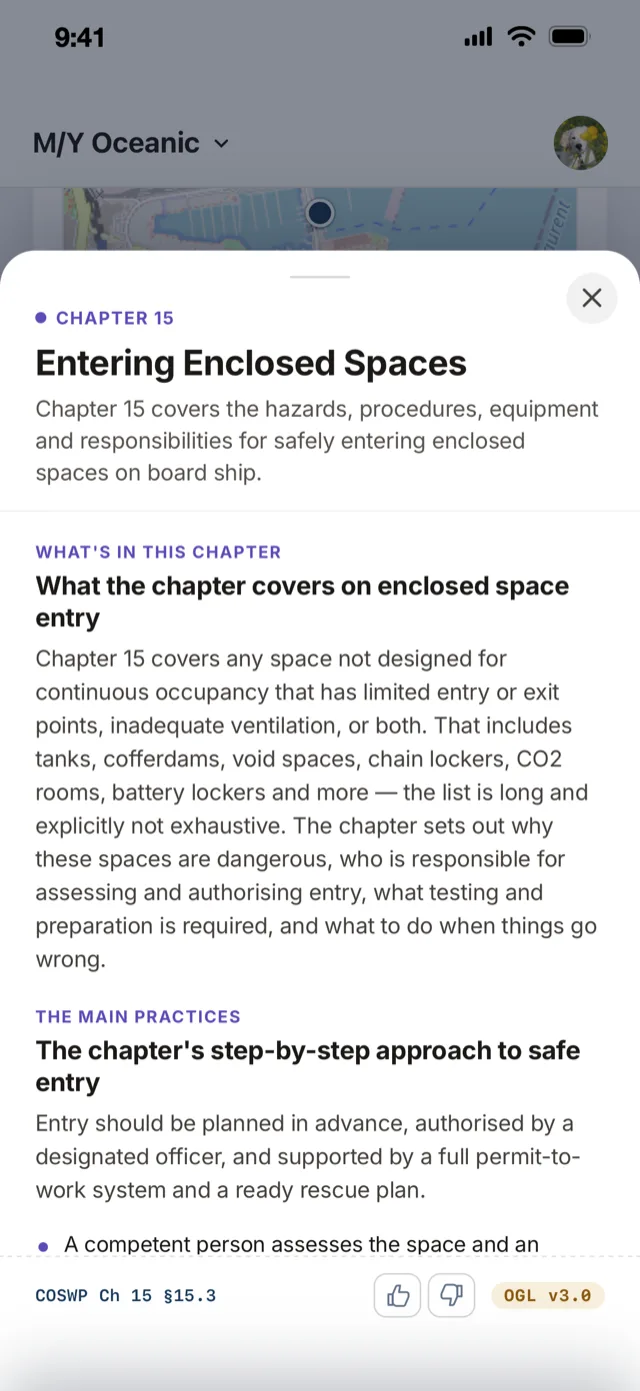
The COSWP in their pocket.
Refreshers on the phone they already carry. Not certified training.
- COSWP topics, cited to chapter and section. On every crew phone. Push one to the whole crew.
- Courses from your own material. Cards, then questions, built on the locker you actually have.
- Completion and scores. By course and by crew member, so you see where the understanding is thin.
- Anyone can raise a concern. A good catch, a near miss, a hazard. Anonymously if they choose.
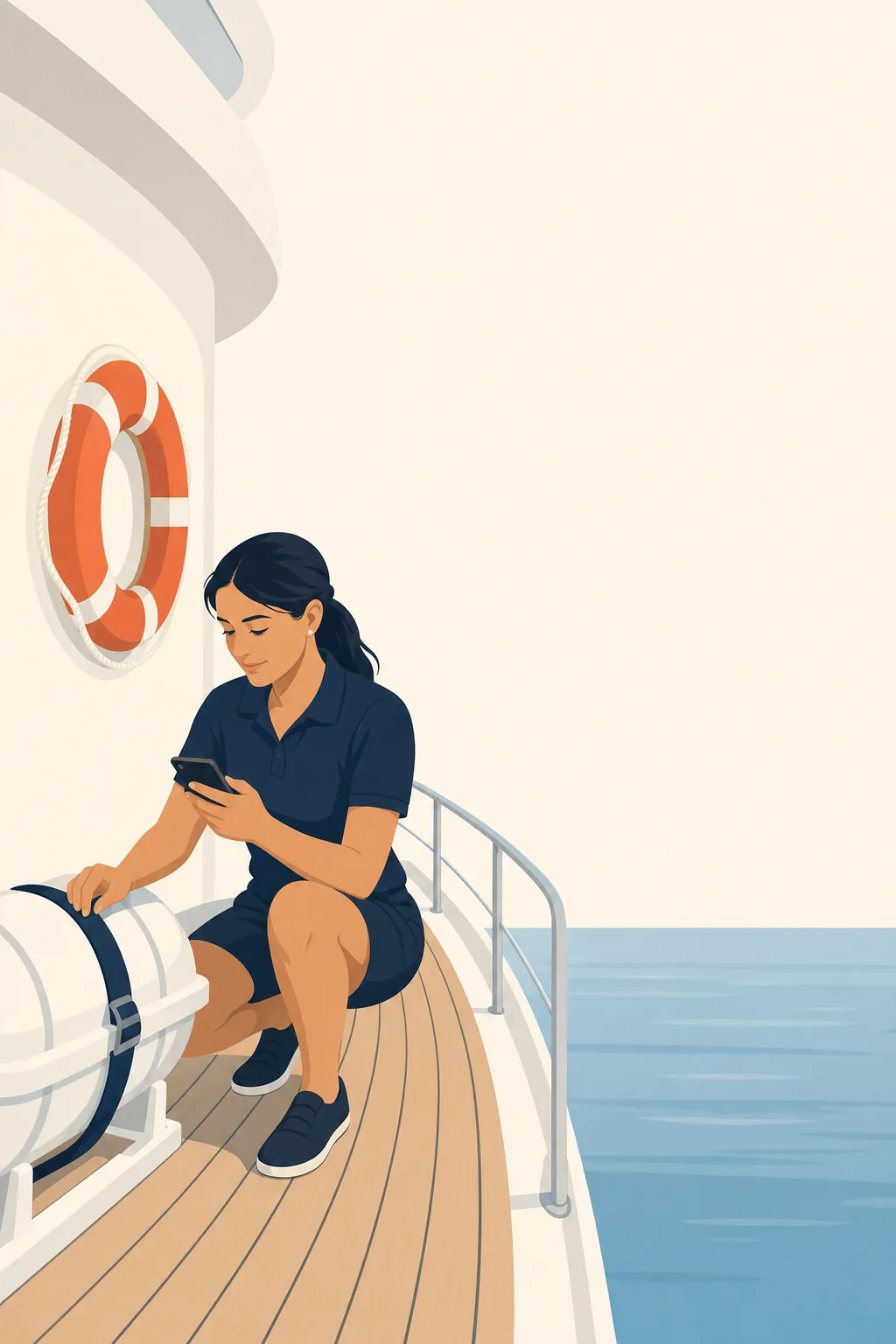
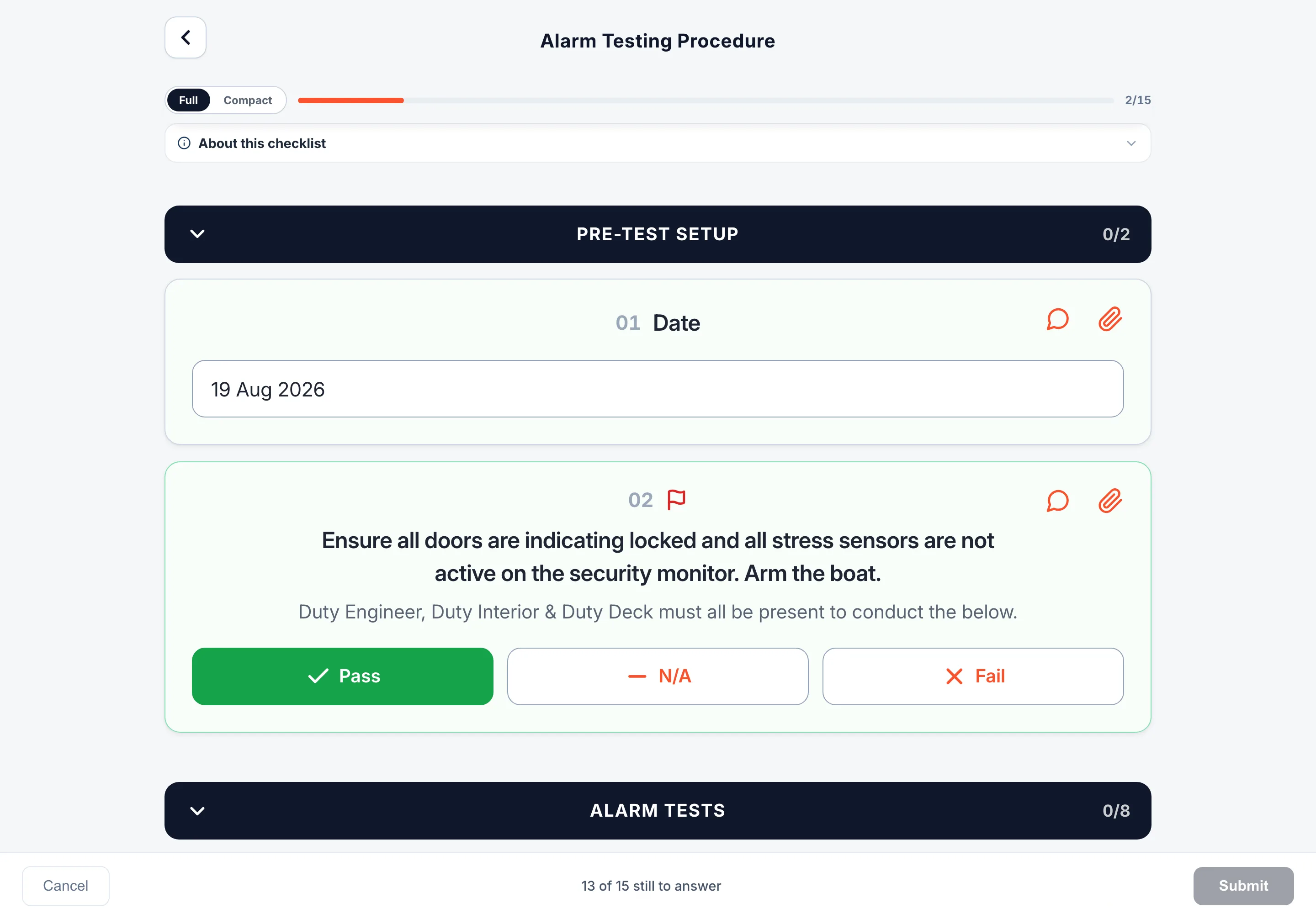
Checked where the equipment is.
On the phone at the locker, not written up afterwards at a desk.
- Readings, photos and signatures. A reading records the range it should be in, and a photo can be required rather than optional.
- A fail becomes a follow-up. It lands on the worklist carrying the check it came from.
- Every submission carries a name. Who completed it, when, what failed, and whether it has been closed out.
What a folder never does.
The real thing wakes every phone. The drill records itself.
Every crew phone sounds, on silent, on Do Not Disturb, and ashore. A drill never does, so nobody learns to ignore it.
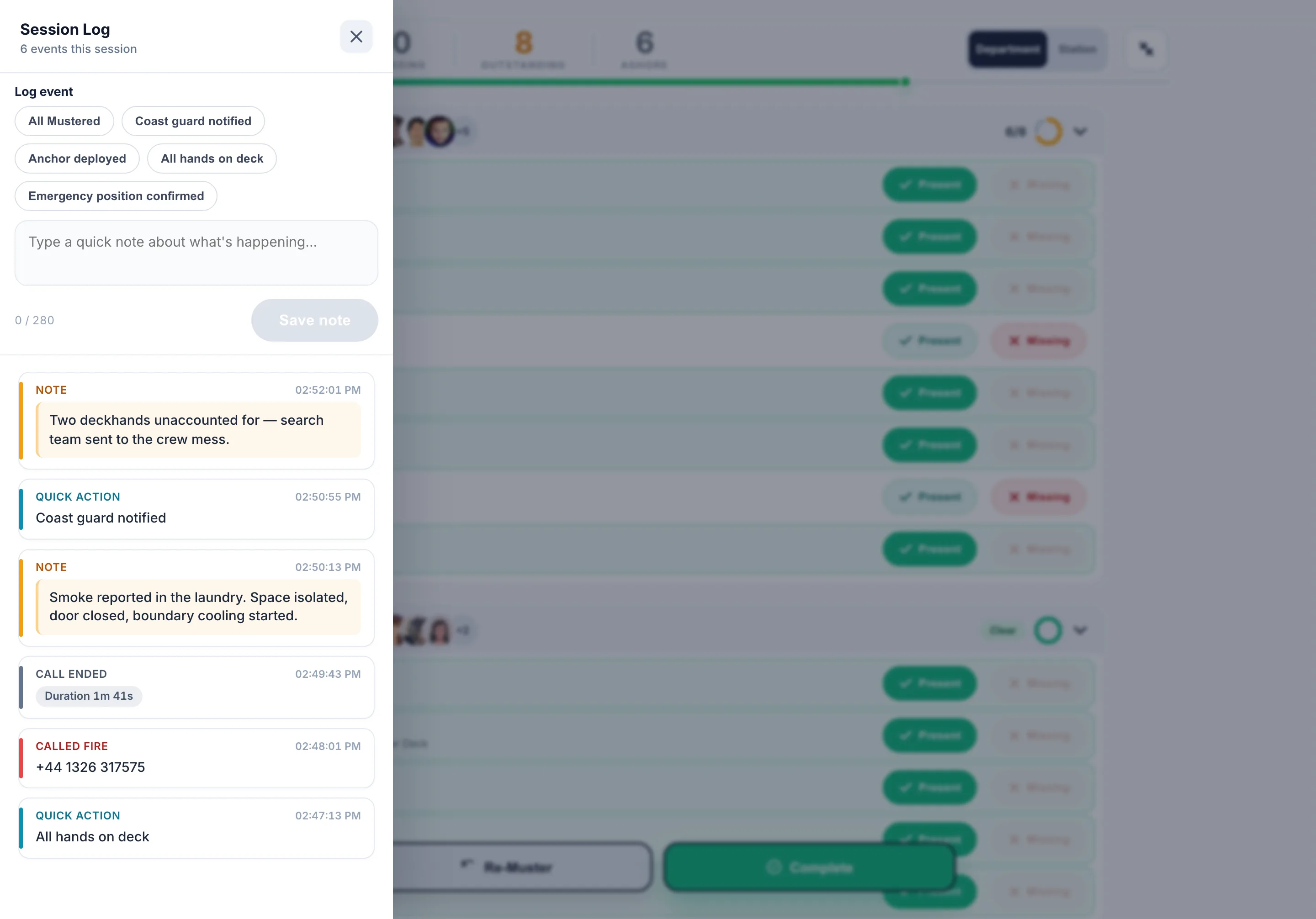
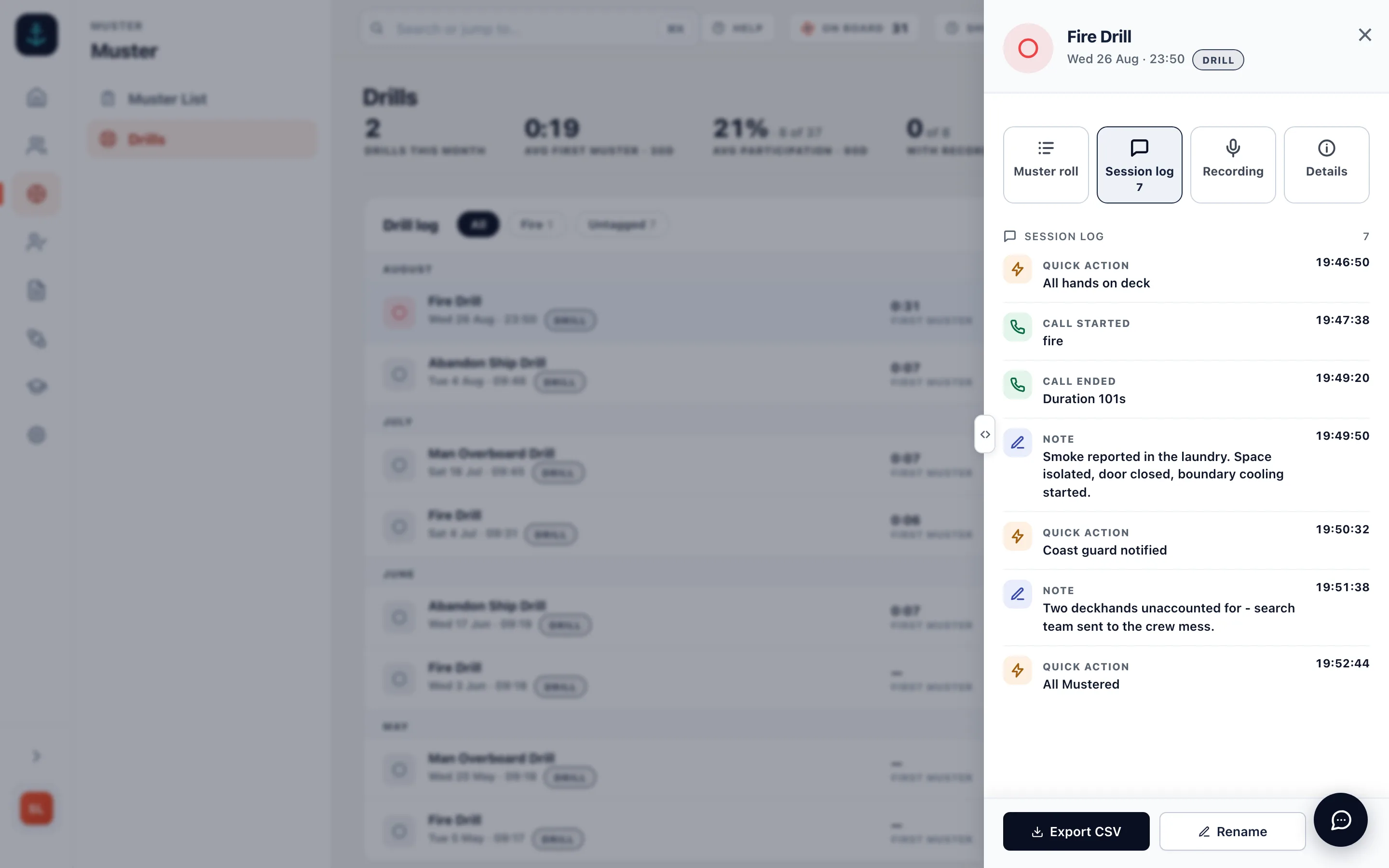
The audio, the notes and every event with its time. Listen back in the admin from anywhere, on the day or a year later.
Fire, DPA and Medical are dialled from the board, and the call goes into the session recording.
Time to muster, who was accounted for, the recording. One file per session, written while it happened, not signed off afterwards from memory.
“We already have an SMS.”
Keep it. The SMS says what has to happen. This is where it happens, and where the evidence is.
- The drill record. Time to muster, attendance, the recording. One file per session.
- The signed month. Hours of Rest, one row per day, the breaches with their reasons.
- The training scores. By course, by crew member.
- The check with the fail on it. And who closed it out.
The Muster App has become one of those tools we use without really thinking about it. It’s made everyday tasks easier and has also got the crew more engaged with safety and their responsibilities onboard.
Superyacht crew safety, answered.
What does crew safety software do on a superyacht?
Each crew member carries their muster station, their duties and the alarm signal for each emergency on their own phone. The drill is run and recorded from the iPad. Hours of Rest are logged on the phone and checked to MLC 2006 as the day is entered. Training and the COSWP are in the same app, and safety checks are completed at the equipment.
Does it replace our safety management system?
No. The SMS says what has to happen. This is where it happens and where the evidence lives: the drill record, the signed month of rest, the training scores and the checklist with the fail on it.
Do the crew need their own phones?
Muster Mate is free for the crew on iOS and Android. Anyone without it is still on the iPad board and the printed muster list.
Does it work without a connection?
Hours of Rest are worked out on the phone itself, so a crew member logs the day and sees the verdict with no signal, and it syncs later. The drill runs on the iPad.
Is the training certified?
No. It is refreshers built from your own material and the COSWP, taken on the phone, with completion and scores per crew member. Certificates stay where they are.
What does it cost?
From £110 a month per vessel with unlimited crew, and a 14-day free trial. See pricing
Put it on your crew’s phones.
Free for 14 days. From £110 a month per vessel. Muster Mate is free for the crew.
Unlimited crew. Refund policy