Yacht visitor sign in
A sign-in app built for the boat.
Built for the ISPS Code, not the office lobby.
Free for 14 days. From £110 a month. On board vessels 40m to 90m.
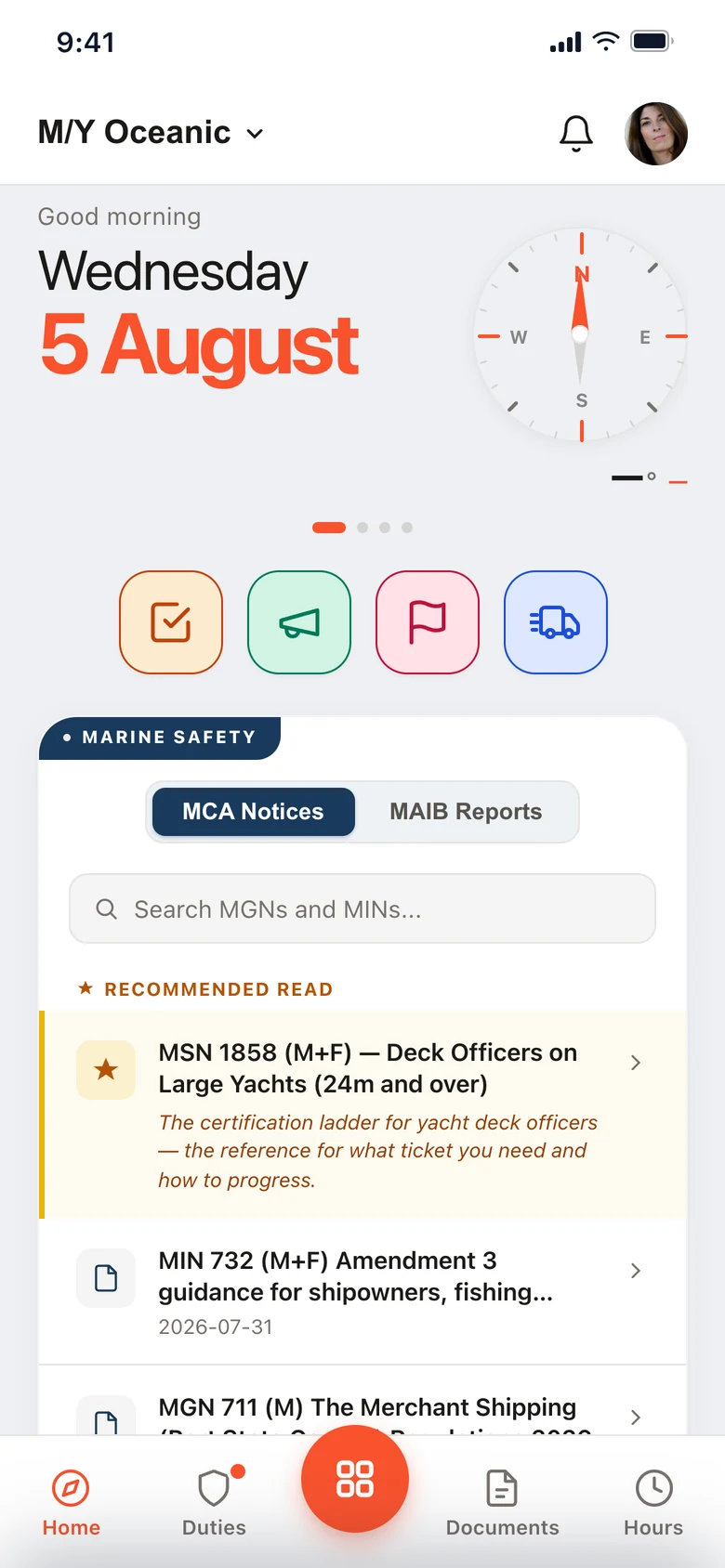

Jordan Reyes has arrived at Gangway iPad.
Julian Meyer is awaiting clearance at Gangway iPad.
Running on superyachts every day.
Office sign-in apps stop at the sign-in.
SwipedOn, Envoy and the rest were built for reception. The Muster App is built for the ISPS Code.

An office app on a yacht
Can’t hold anyone for a search.

The Muster App
Nobody boards until your crew clear them.
Visitor sign in, the way it should be.
Quick and easy check-in system built for busy periods.


Their host knows before they’re aboard.
A push, a WhatsApp and an email, with the visitor’s photo.
- Host notifications
- Visitor photo on the alert
- Every HoD told on a pass sign-in

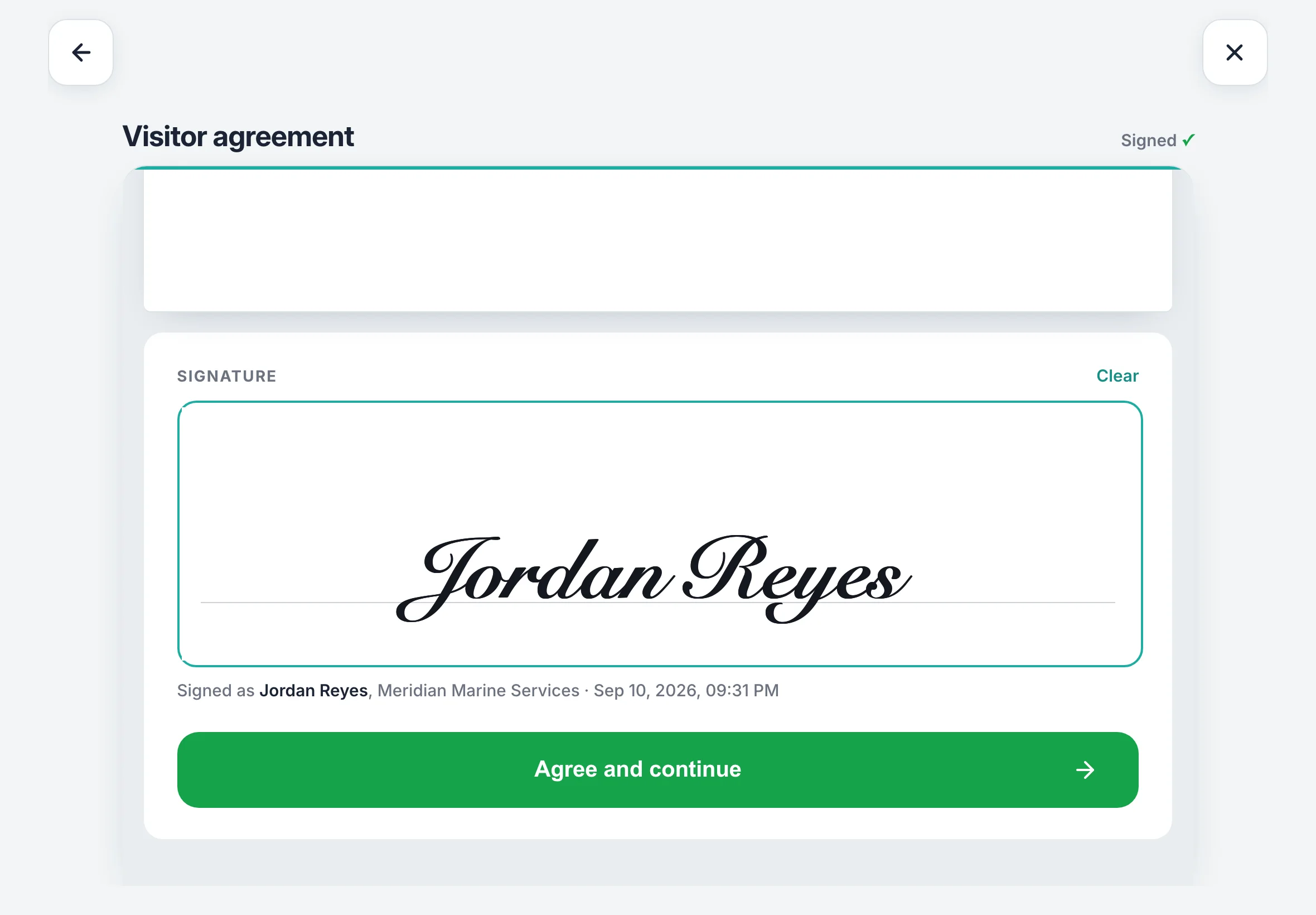
Every NDA read to the end.
The signature pad opens on the last page. The signed PDF stays with the visit.
- Your own NDA or waiver
- Signed PDF on every visit
- Returning visitor rules

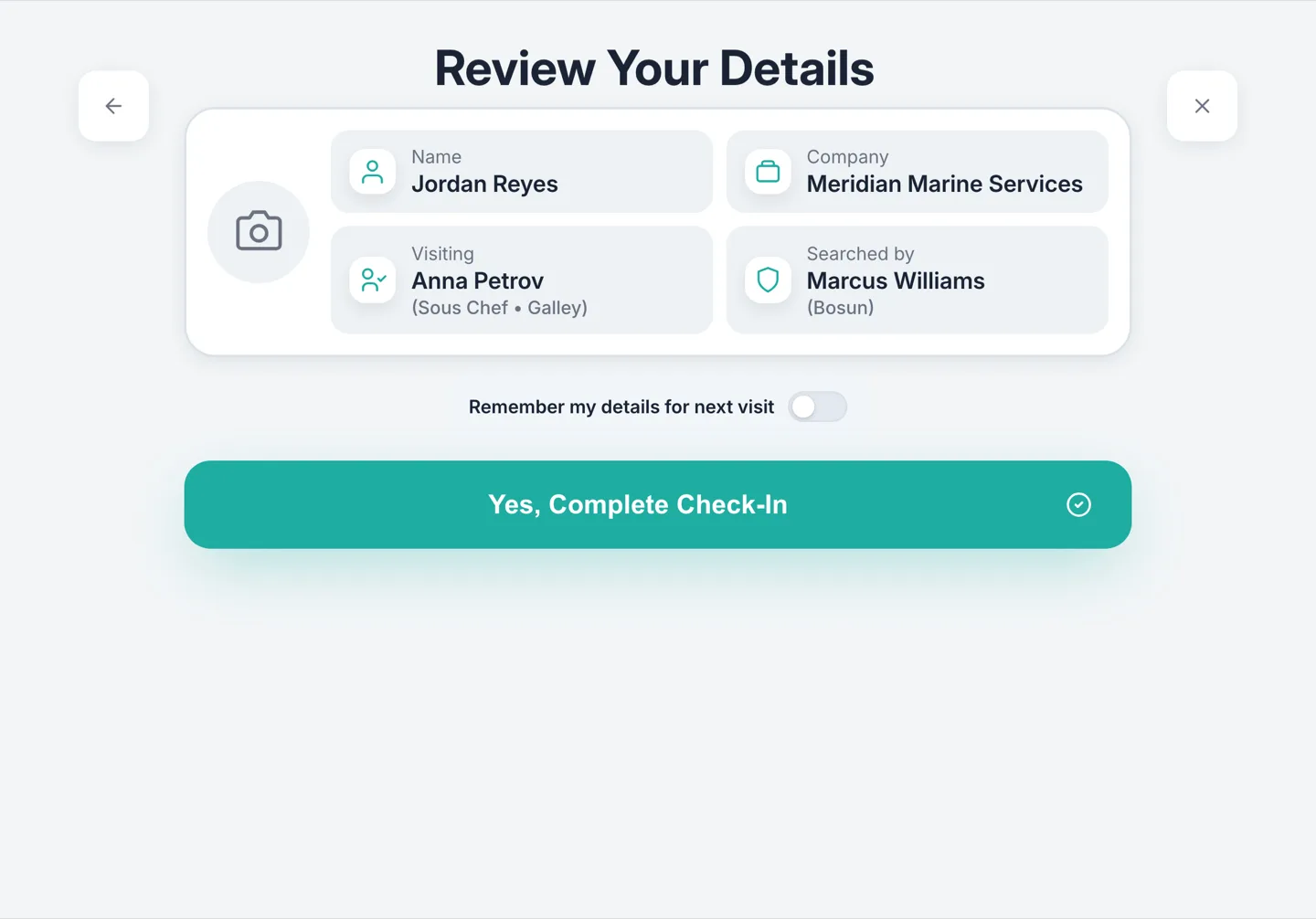
Know exactly who stepped aboard.
Passports, driving licences and ID cards, matched to the name they gave.
- ID scanning
- Check-in photos
- Flagged visitor alerts

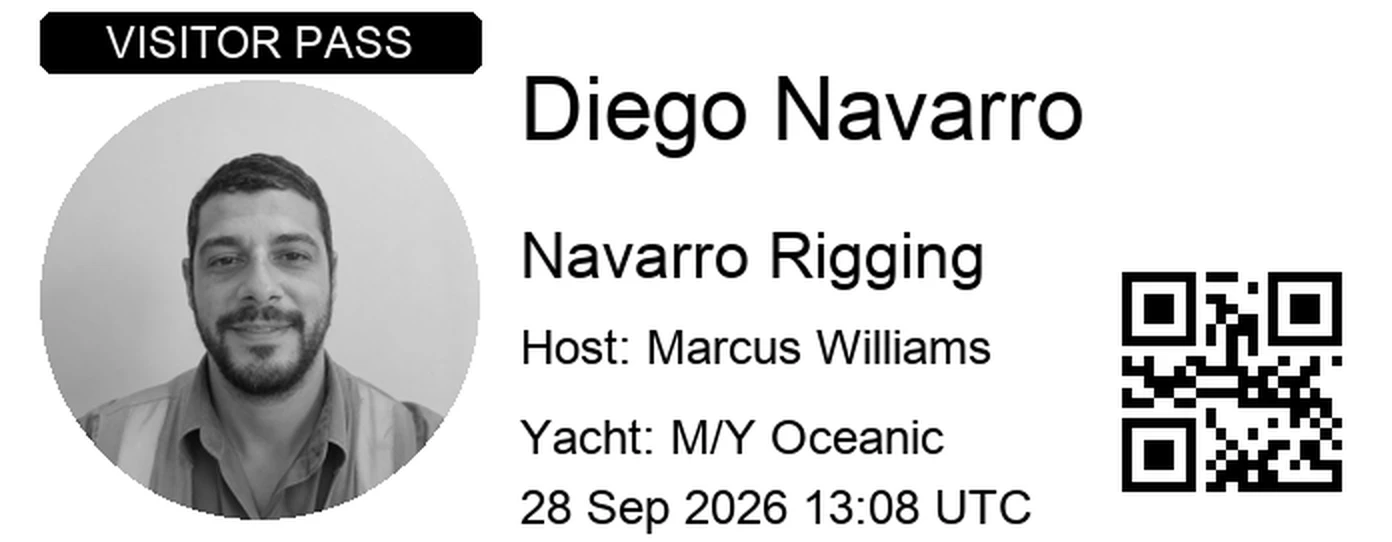
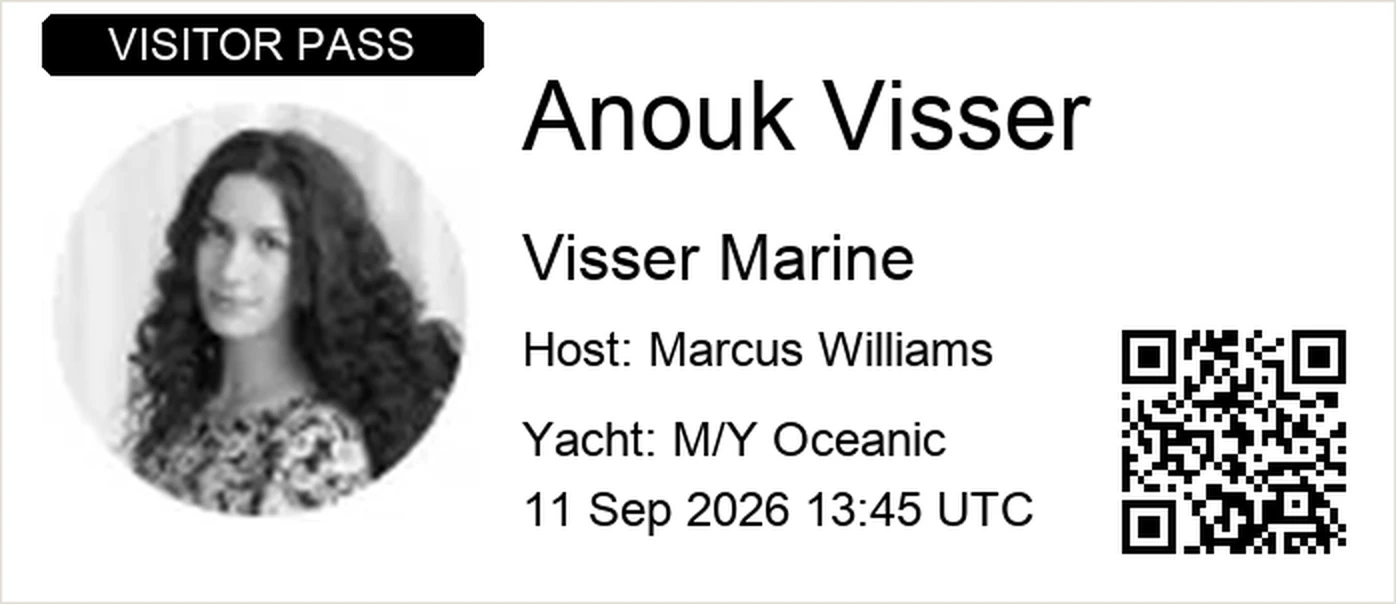
A badge on every visitor.
Photo, name, company and host. Red if they stay with their host.
- Brother label printers
- Custom badge design
- QR visitor passes
On every plan, from £110 a month per vessel.
What a lobby never has to think about.
The ISPS Code, built into the sign-in.
- ISPS security levels
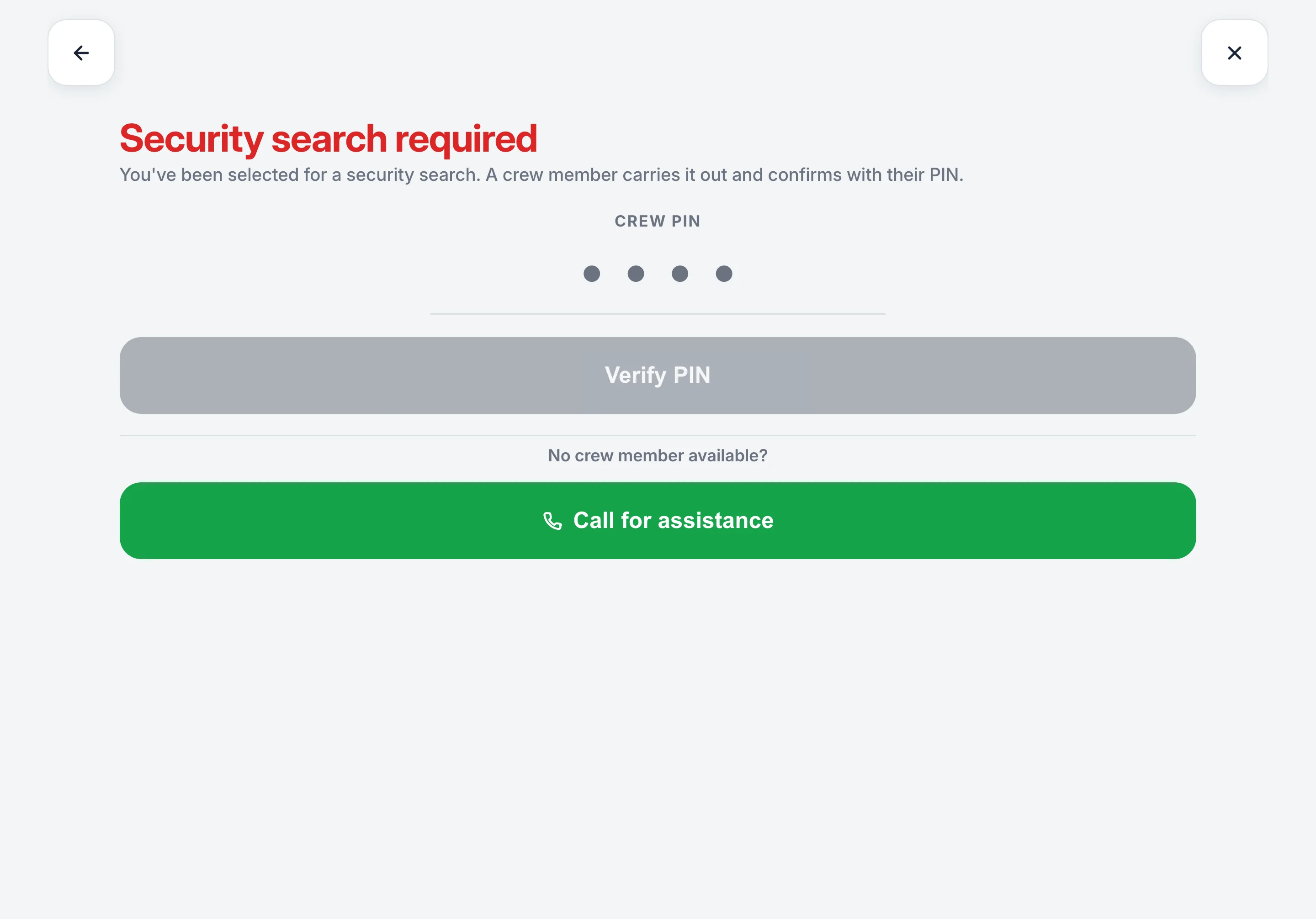
- Crew PIN search clearance
- Search alerts to every HoD
- Port state control PDF
Yard period? No queue.
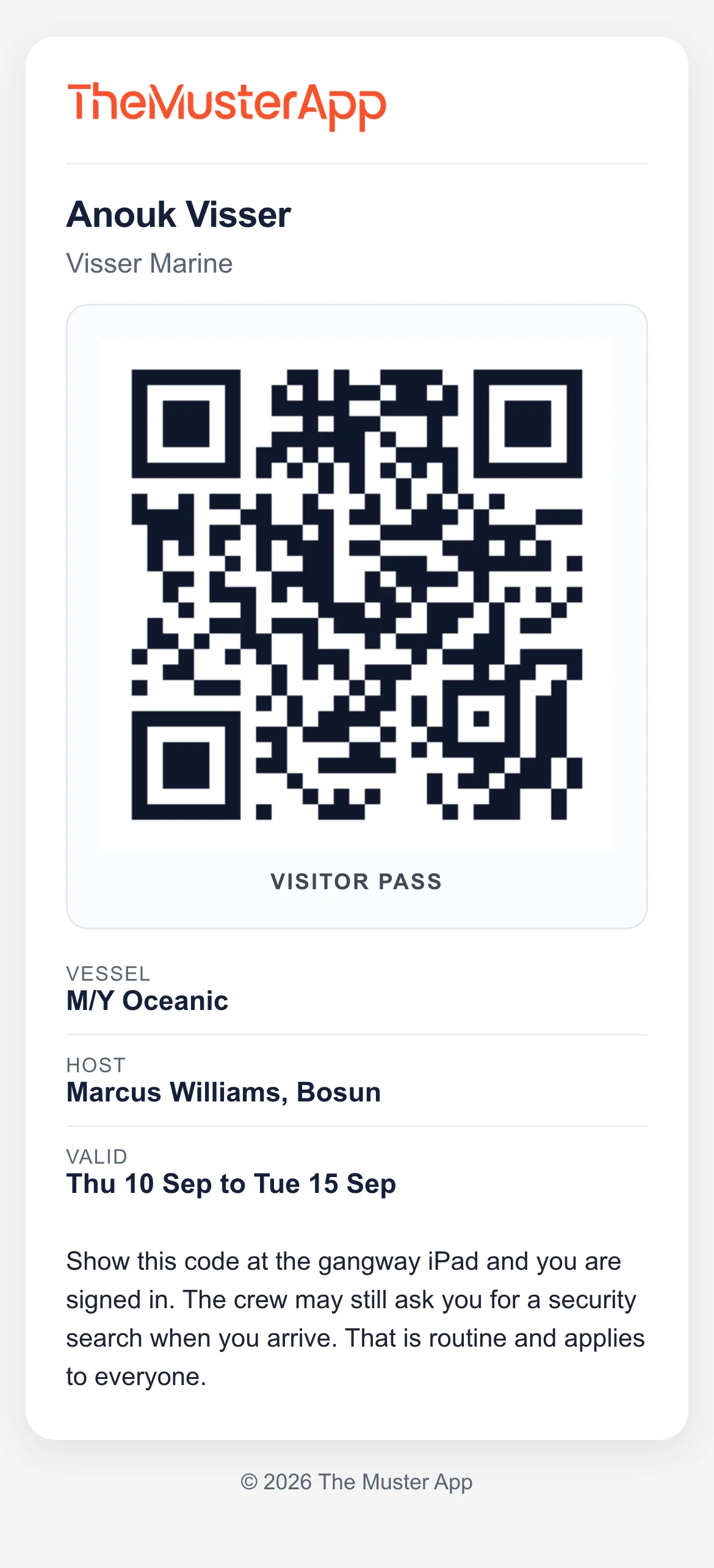
Returning visitors skip what they’ve already done. Regulars scan a pass and walk on.
- Returning visitor recognition
- QR visitor passes
- Works offline
- Automatic sign-out
The Muster App has become one of those tools we use without really thinking about it. It’s made everyday tasks easier and has also got the crew more engaged with safety and their responsibilities onboard.
Yacht visitor sign in, answered.
What is a yacht visitor sign-in app?
An iPad at the door that visitors sign themselves in on: name, company, a photo, who they are visiting, your agreement signed, their ID checked, a badge printed. The Muster App is a visitor sign-in app for yachts, with the ISPS search and the visitor log built in.
Why not use an office sign-in app on the boat?
Plenty of vessels do. An office app does not know the ISPS level and cannot hold a visitor for a search. Its roll call is a headcount, not a muster with stations and duties, and it does not keep the visitor log the ISPS Code asks for.
How quick is visitor sign in?
The visitor fills it in themselves, with a crew member alongside to check it. A returning visitor is recognised by name with their details filled in, and a regular with a pass scans a QR code and walks on.
Does it work without WiFi?
Yes. Sign-ins and sign-outs queue on the iPad and sync when the connection returns, which matters in a yard.
Can I flag a visitor?
Yes. Flag someone once, with the reason. If they sign in again, even months later under a new record, every admin on the vessel gets an email at that moment.
What does it cost?
Visitor sign-in is on every plan, from £110 a month per vessel with unlimited crew and unlimited visitors, and a 14-day free trial. See pricing
Try it on your boat today.
Free for 14 days. From £110 a month.
Unlimited crew and visitors. Refund policy
