Muster Mate, the crew app
The half of it that lives in a pocket.
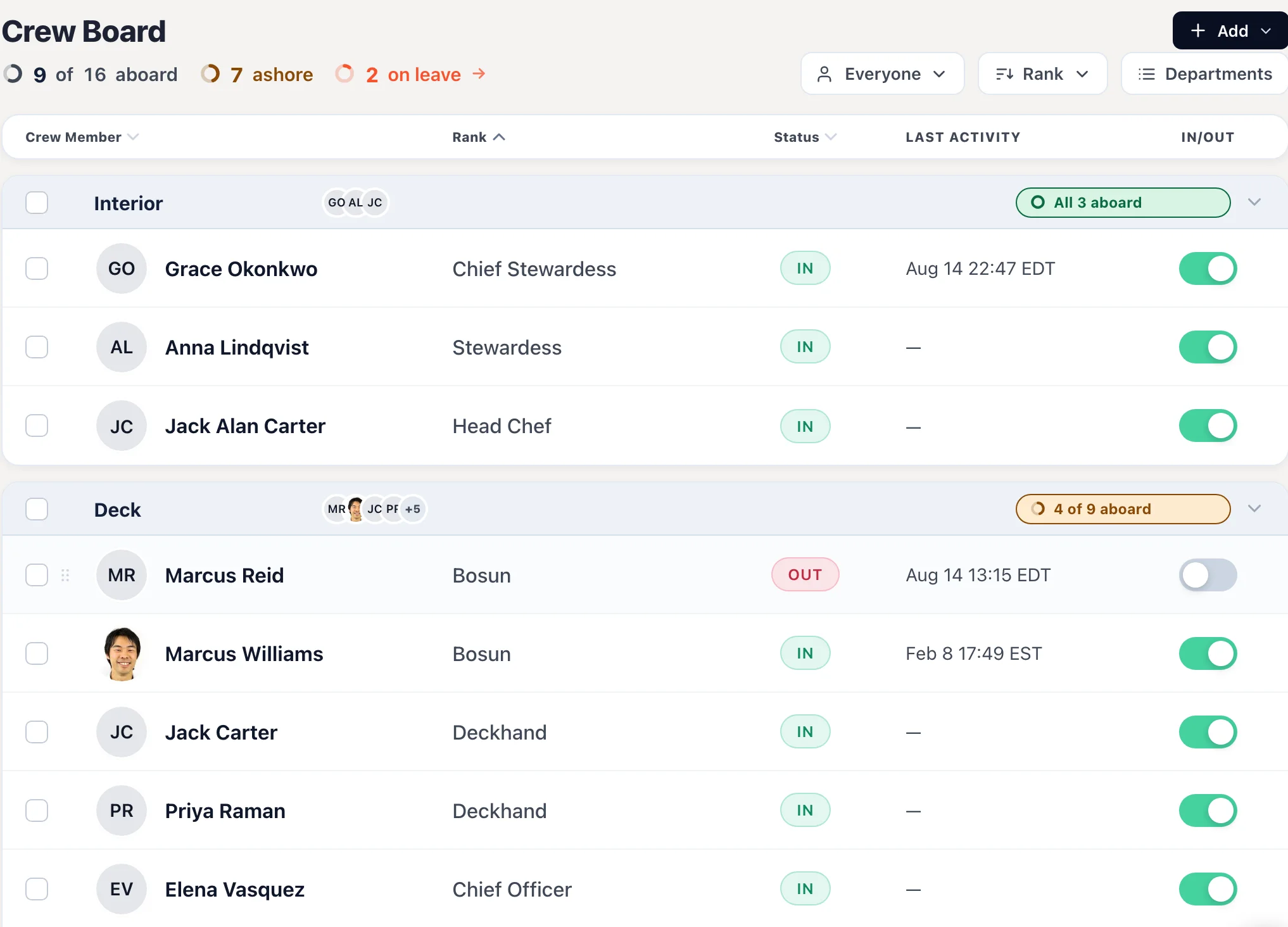
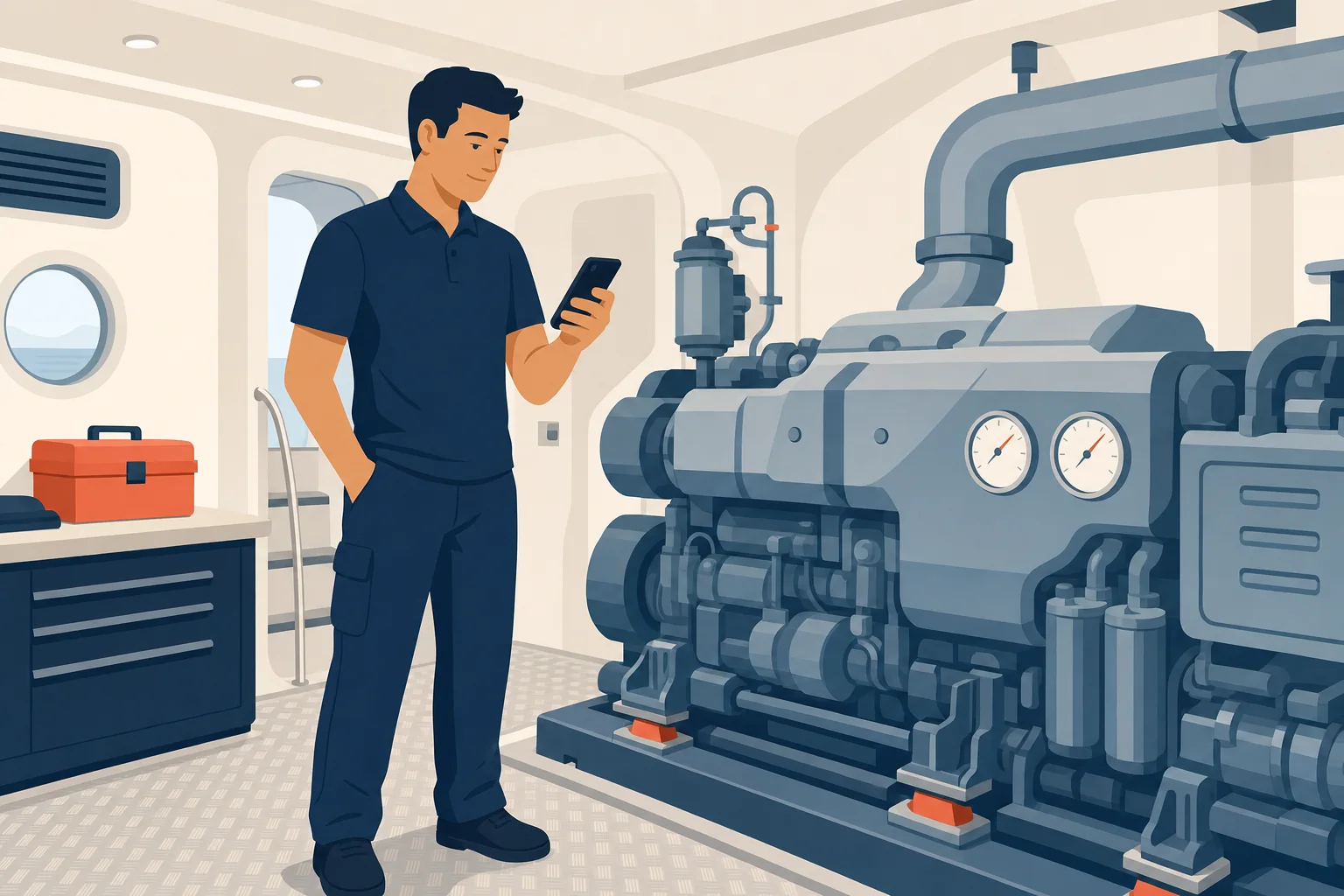
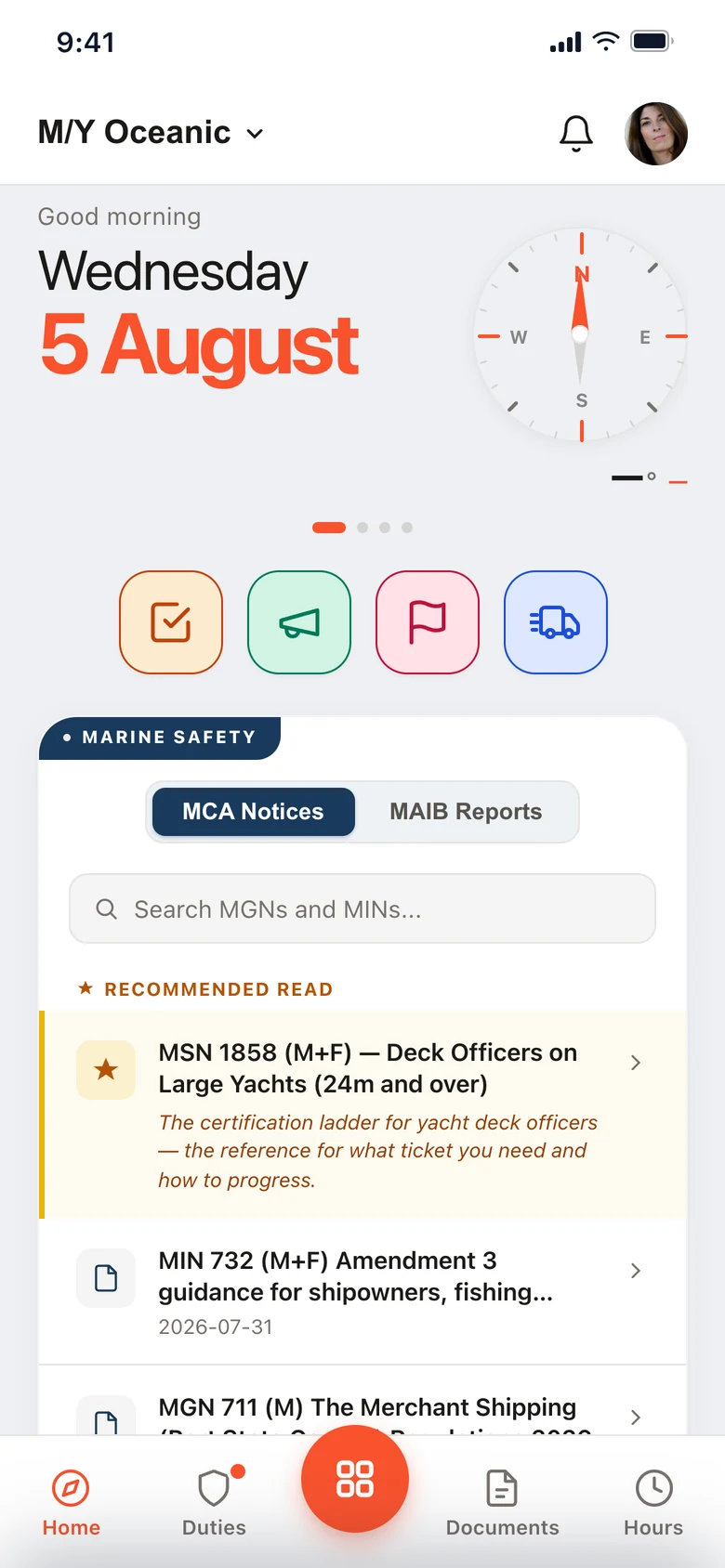
The iPad handles the door. Muster Mate handles everyone aboard: duties, Hours of Rest, checks, deliveries and the day’s notices, on the phone already in their pocket.
Free for every crew member, on every plan. iOS and Android.
A parcel for Elena Rodriguez has arrived. Hardware + fasteners.
Running on superyachts every day.
Every crew member knows their station
Their own muster station, their duties and the alarm signal for each emergency. Nobody has to find the board in the passageway.
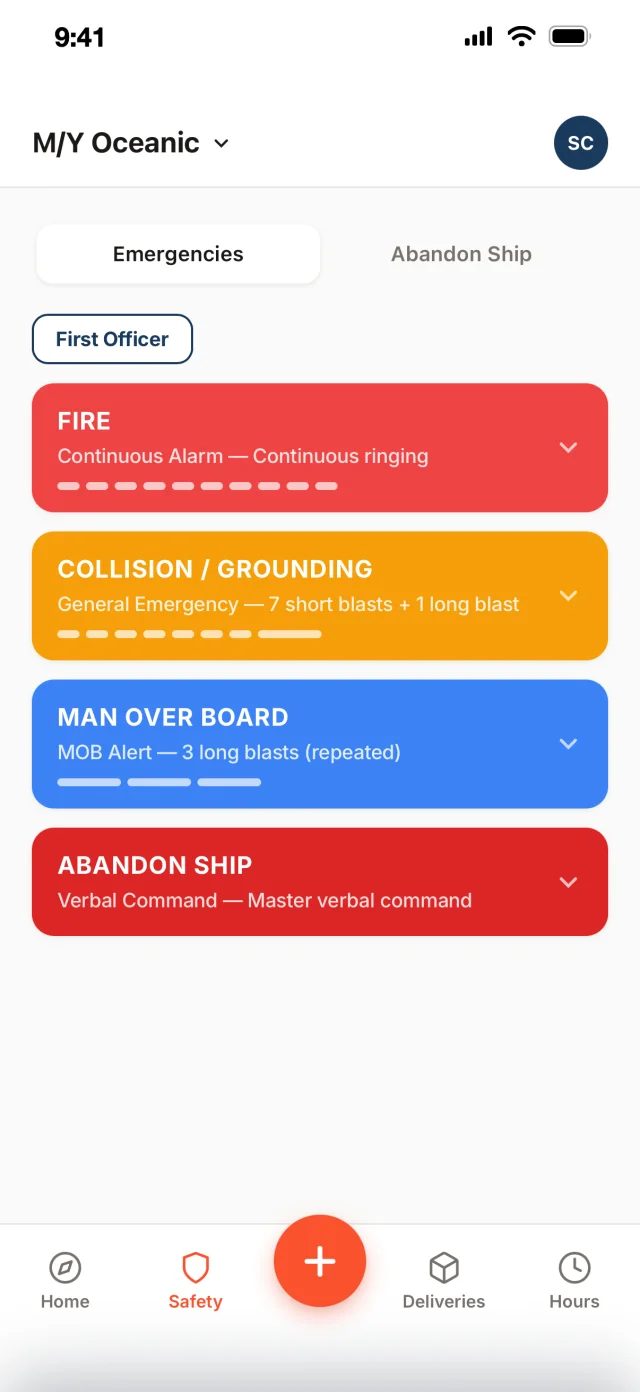 Their duties, and the alarm signal
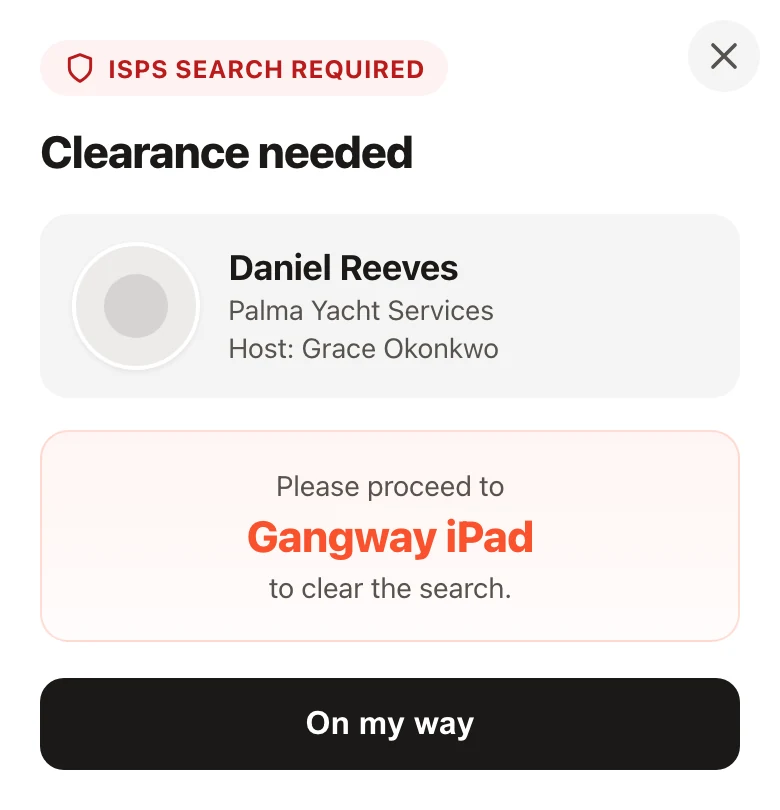 A search to clear
Home
A search to clear
Home
Hours of Rest crew actually fill in
A day is a couple of time ranges on their own phone, at the end of the day. Every MLC limit is checked as it goes in.
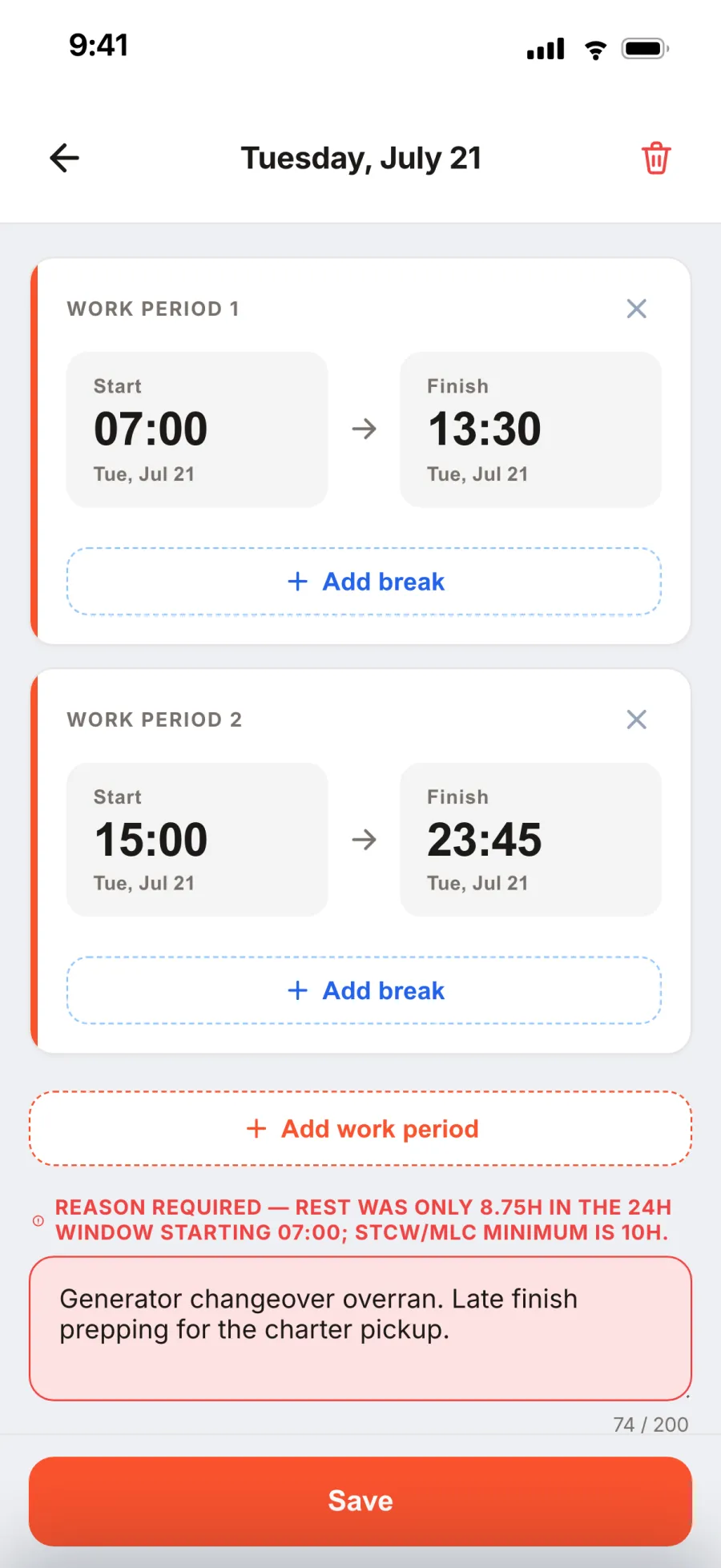 The day. Start, finish, breaks
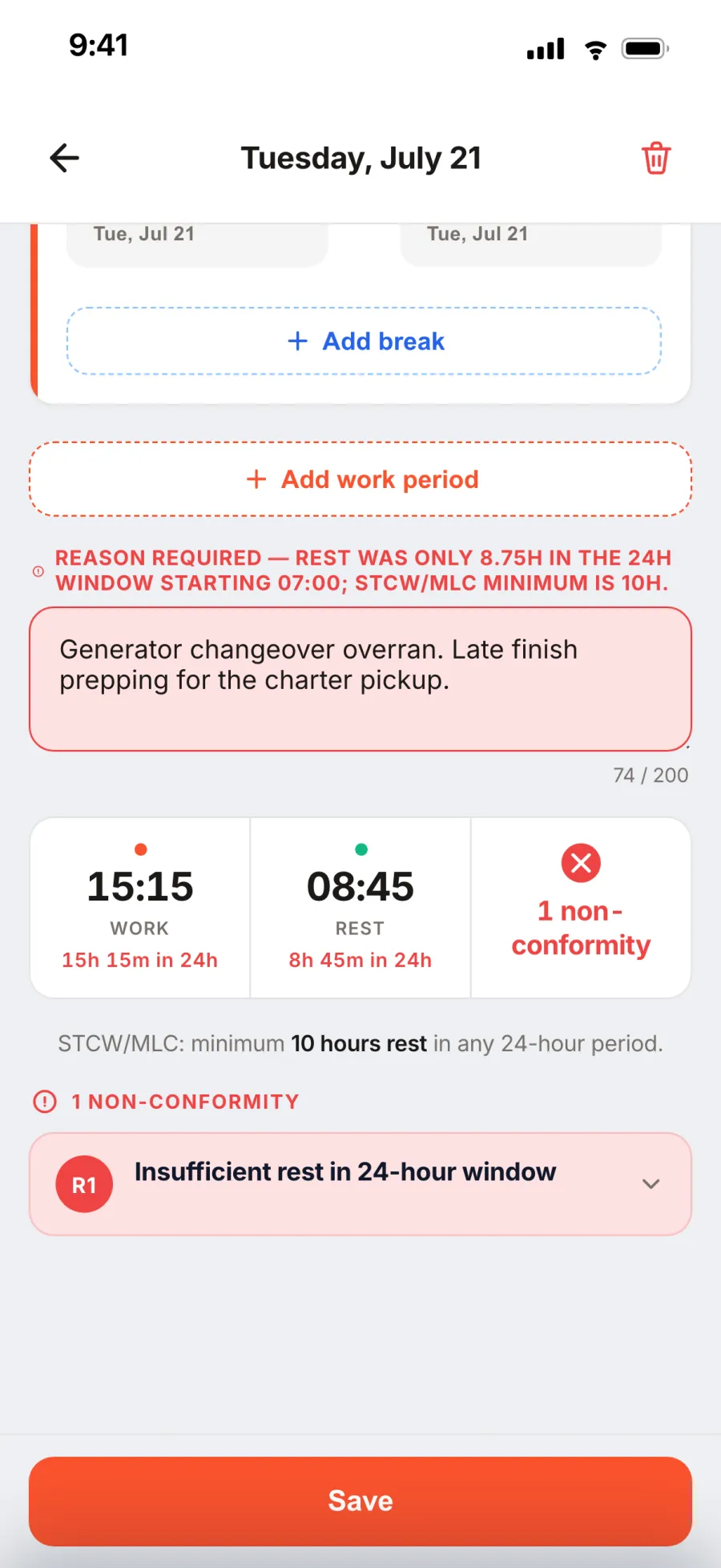 A red day says why
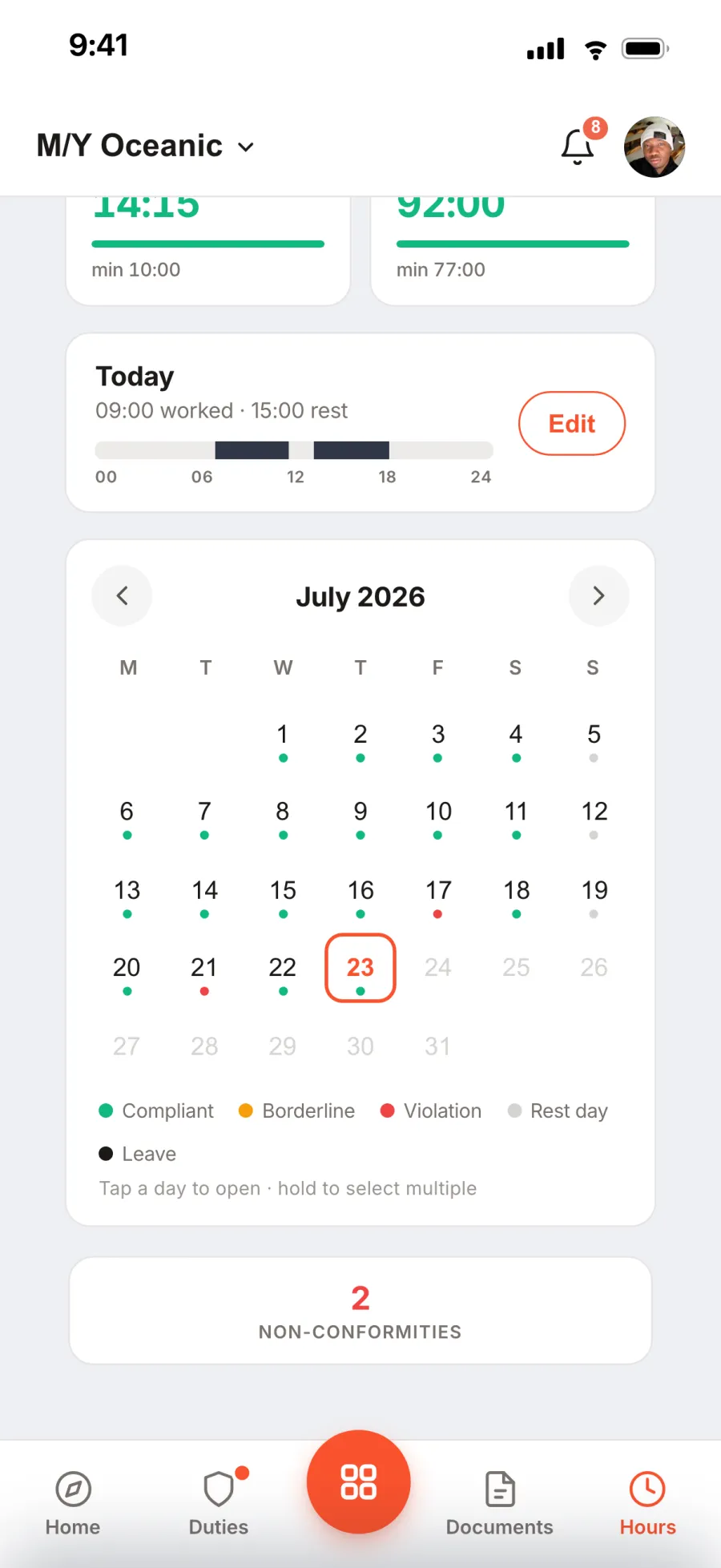 The month. Green, red, rest days
Done where the work is
A round gets completed in the engine room, not written up afterwards from memory.
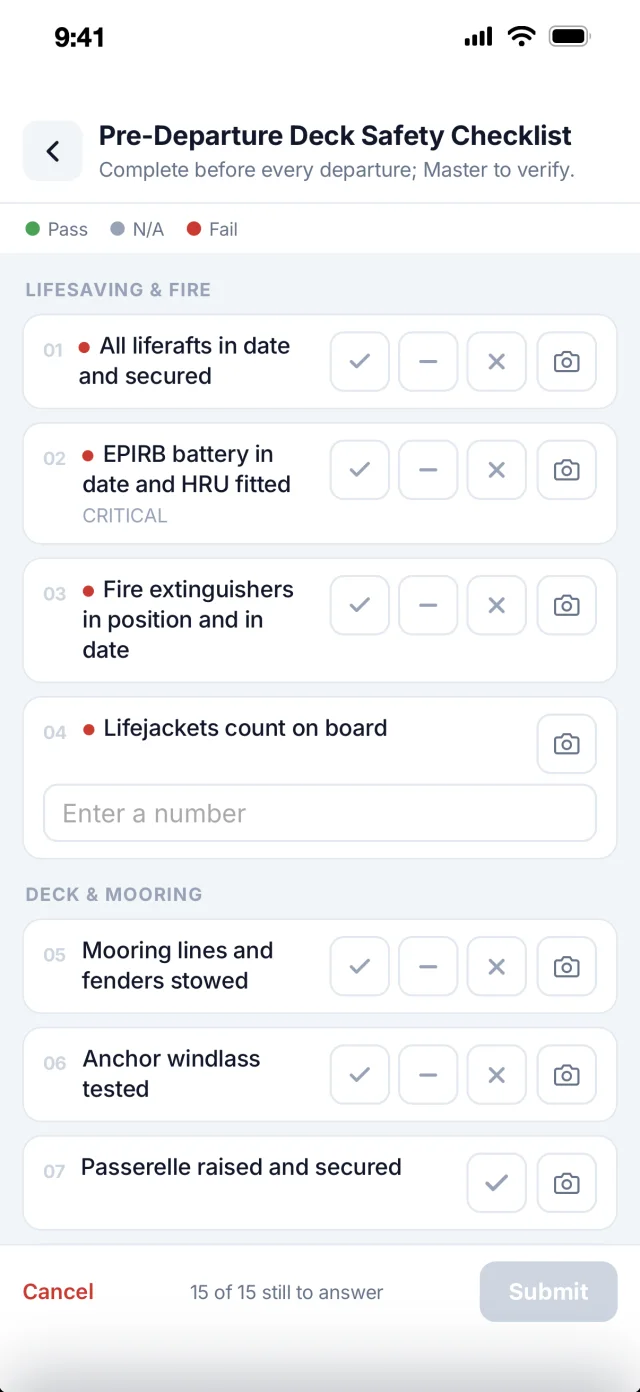 Checklists. Pass, N/A, fail, photo
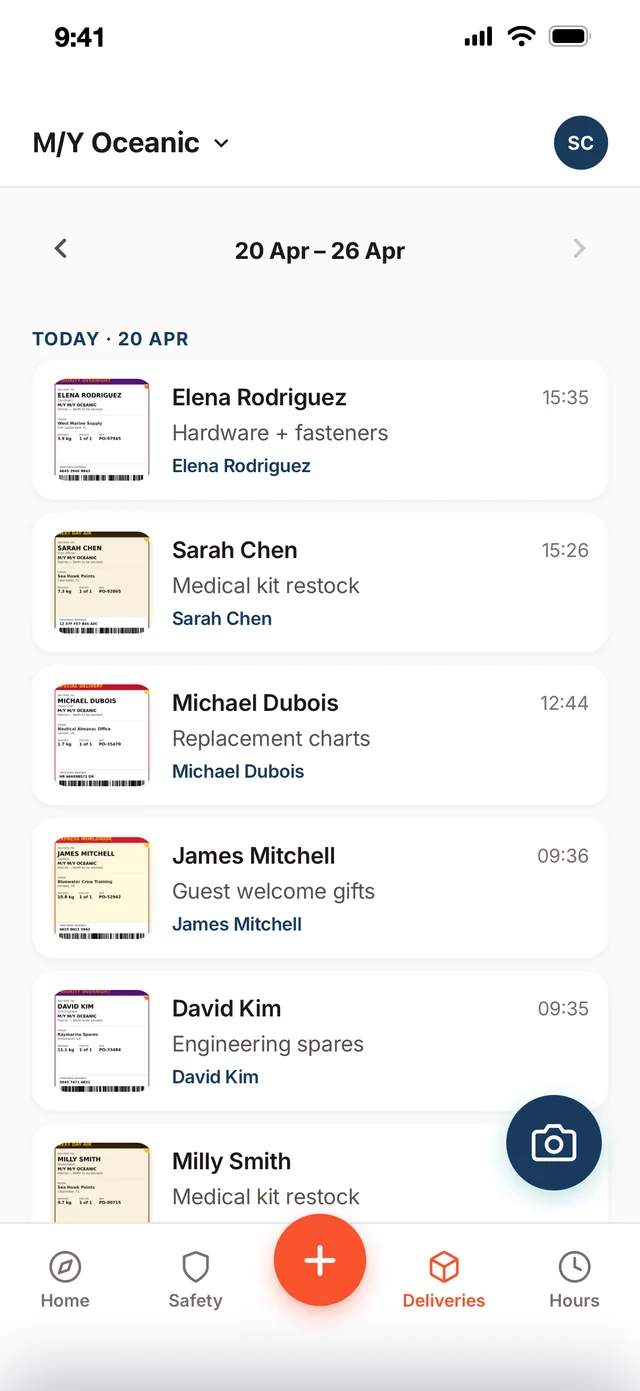 Deliveries. The week, by day
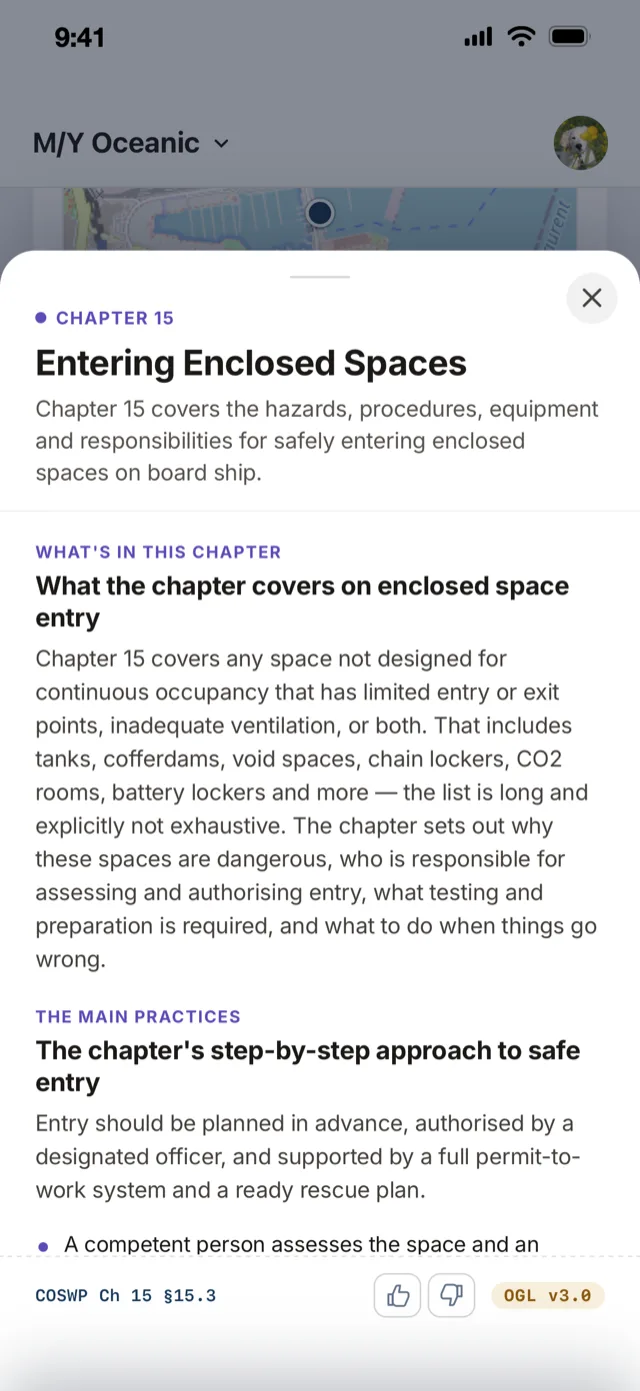 COSWP. A topic, with its chapter
One system, two places
The iPad and the phone are different apps doing different jobs, and the price follows from it.
The Muster App
- The vessel’s iPad, at the door
- Visitors sign in, crew sign in and out
- The muster runs from it
- One per vessel, from £110 a month
Muster Mate
- The crew’s own phones, iOS and Android
- Duties, Hours of Rest, checks, deliveries, notices
- They download it and join with a code
- Free for every crew member, every plan


Muster Mate, answered.
Is Muster Mate really free?
Yes. It comes with The Muster App on every plan, for every crew member. The vessel pays per vessel; the price does not move when the crew grows.
How do the crew get it?
They download it from the App Store or Google Play and join the vessel with a code. There is nothing for you to install on their phones.
Does it work offline?
Hours of Rest days and checklist answers save on the phone and sync when the signal returns. Duties and the alarm signals are kept on the phone.
Is it the same app as the iPad?
No. The Muster App is the vessel’s iPad at the door: visitors, the crew board, the muster. Muster Mate is the crew’s own phone. Both are fed by the same admin panel.
Try it with your crew.
Free for 14 days. From £110 a month per vessel. Muster Mate is free for every crew member.
Unlimited crew. Refund policy